How to choose a camera gimbal
How to choose a camera gimbal: payload, axes, battery, balancing, modes and compatibility, using the DJI RS 4 Mini as an example.
On this page
This guide is source-informed, not a hands on test. We read DJI's specification page for the RS 4 Mini and used general knowledge about camera gimbals. We did not use one, so confirm the numbers on the product page before you buy.
What a gimbal does
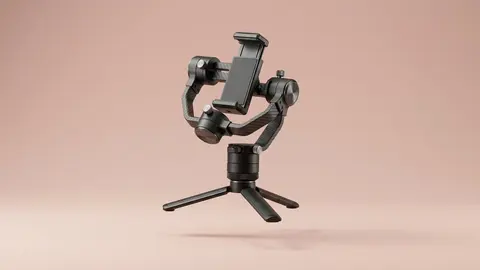
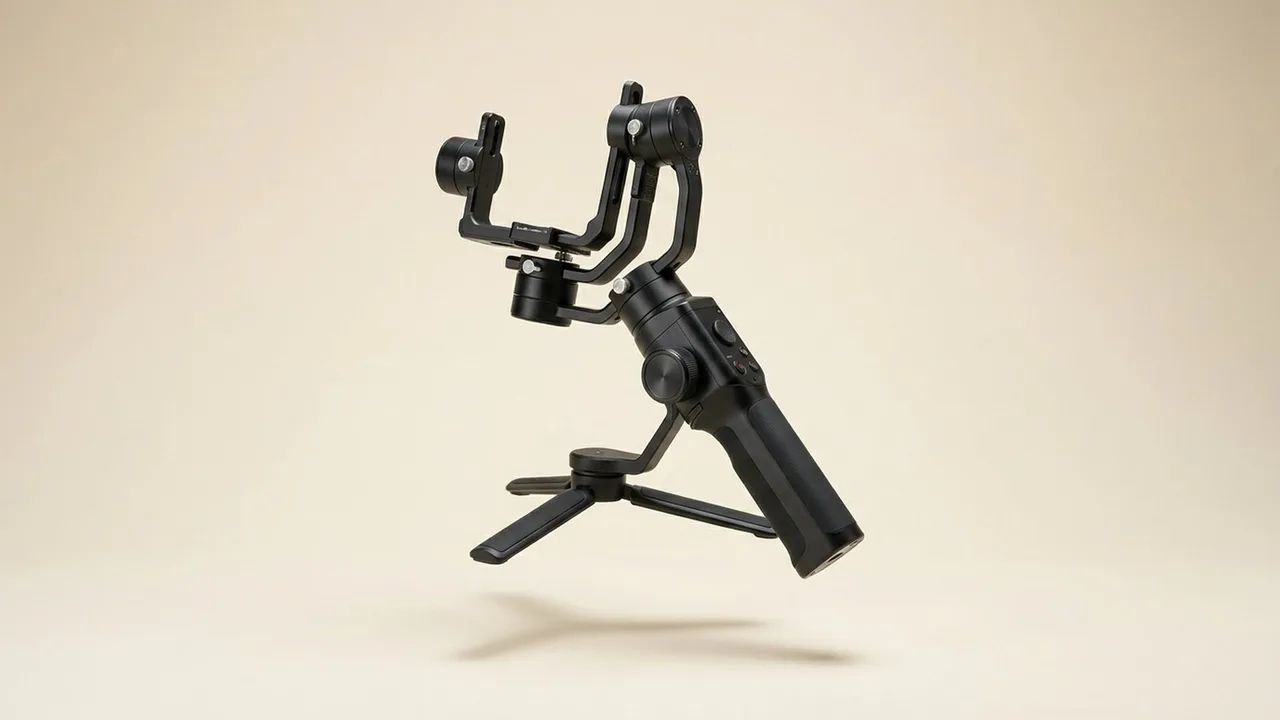
A gimbal holds your camera on motorised axes and counters your movement, so shots look smooth even while you walk. It will not fix bad framing, but it can turn a bouncy walk into a glide. The DJI RS 4 Mini is listed as a compact gimbal that supports cameras within a tested payload of 0.4 to 2 kg, and the retail listing we started from names Canon, Sony, Nikon and Fujifilm cameras.
Payload and weight
Every gimbal has a payload limit. Add your camera body, lens and any accessories, and compare it with the gimbal's number. Stay comfortably below it. A camera that is too heavy overworks the motors, drains the battery and shakes. Compact gimbals suit mirrorless cameras with small lenses. Large cinema lenses need bigger gimbals. For example, a body and a small prime lens might weigh under a kilogram and fit easily, while a body with a long zoom and a microphone could pass 2 kg and be too much for this class.
Axes and modes
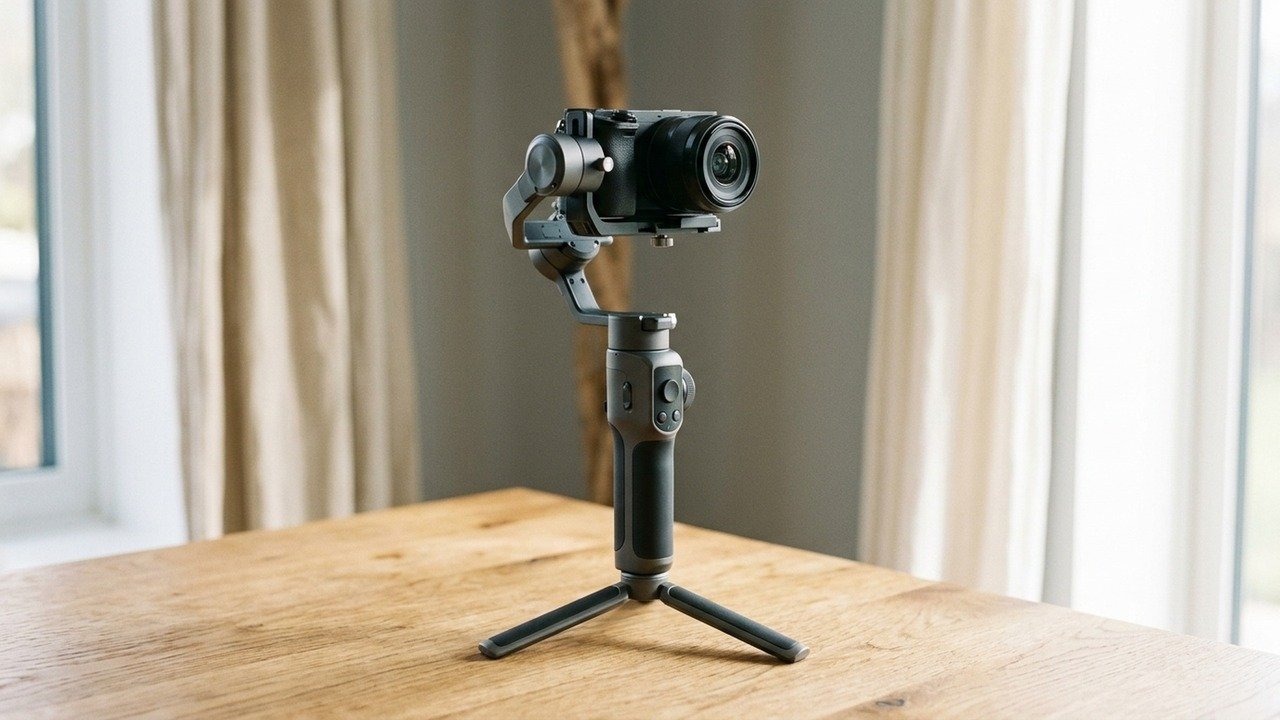
Most gimbals stabilize three axes: pan, tilt and roll. Modes let the gimbal follow your movement or hold a fixed direction. Common modes include pan follow, tilt lock, full lock and a fast follow mode. DJI lists automatic axis locks and vertical shooting on the RS 4 Mini. Learn the modes in an empty room before using them on location.
Balancing
Balancing means adjusting the camera on the gimbal until it stays level without power. It takes a few minutes the first time. A good balance saves battery and improves smoothness. Quick release plates make repeat setups faster. If you swap lenses often, expect to rebalance each time.
Battery and charging
Check run time and whether the gimbal can charge your camera or accessories. DJI lists up to 13 hours for the RS 4 Mini and about 1 hour 50 minutes to charge at 30 W. The gimbal's USB-C port serves for both charging and camera control, so a single cable may not do both at once. Plan spare power for a full day of shooting.
Compatibility
Gimbals connect to cameras for control. DJI keeps the camera compatibility list on a separate page, so read it for your exact body and check the cable type. Control support varies by camera model, and a camera that is not listed may still balance but need manual operation.
Technique
Bend your knees, walk heel to toe and keep the camera low. A gimbal helps but does not replace technique. A neck strap or a support arm reduces fatigue. Practise smooth starts and stops, since sudden changes are the usual giveaway of amateur gimbal footage.
Gimbal versus in body stabilization
Read gimbal or in body stabilization to decide whether you need a gimbal at all.
Real situations
Walking vlogs. A gimbal is a big gain. Events. Weight matters, so choose compact. Studio. A tripod and slider may suit better. Travel. Pack size and charging matter more than payload headroom, so a compact gimbal with a USB-C charge is practical.
What to check
Payload, battery, compatibility, size and accessories. DJI lists a 1/4-inch 20 thread and a NATO port on the RS 4 Mini for mounting extras, and an Intelligent Tracking Module as a separate accessory. Read camera gimbal specs explained for the jargon.
DJI RS 4 Mini Combo
A compact camera gimbal stabilizer combo for Canon, Sony, Nikon and Fujifilm cameras.
Questions to ask yourself first
How long will you hold it? A compact gimbal still adds weight to your hand, so test it for ten minutes before a day of shooting. How much do you move? If you stand still, a tripod may be better value. Which camera do you own, and is it on the maker's compatibility list? Do you shoot vertical video, which DJI lists for the RS 4 Mini? Will you add a microphone or light, which adds to the payload total?
Common mistakes
Overloading the gimbal, forgetting to power it on before the camera hangs on it, skipping the balance and trusting the motors to compensate, and walking with stiff knees. Most unsteady gimbal footage comes from technique and balance, not from the gimbal itself.
Setting up for the first time
Charge the gimbal, update its firmware, and attach the quick release plate to the camera. Slide the camera until it balances on each axis, then switch the motors on and test each mode with the lens you plan to use. Save any settings you like, so you can return to them after a rebalance. Practise in a quiet place where a mistake costs nothing. A first session of twenty minutes usually teaches more than a day of reading.
Carrying and care
Use the axis locks when you pack, keep the gimbal in a padded case and avoid leaving it in a hot car. Motors and batteries do not like extremes. Clean the contacts and the quick release plate occasionally, and check the screws, because vibration can loosen them over time.
Be careful with
Buying a gimbal before weighing your camera and lens. Payload is the main limit.
The practical answer
Weigh your camera and lens, pick a gimbal with headroom, then learn to balance it and walk smoothly.
Questions people ask
What is payload?
The maximum weight of camera plus lens that the gimbal can carry.
Do I need to balance it?
Yes. Good balance reduces motor strain and improves smoothness.
Does it work with any camera?
Check the compatibility list and cable support.
Is a gimbal hard to use?
It takes practice for smooth walking technique.
Sources and scope
Reference material is linked for the scope described below. This is not a claim that every statement or current retailer offer has been independently verified.
- DJI RS 4 Mini specifications (DJI): manufacturer specifications
No hands-on testing or systematic reliability study was performed. Confirm current instructions, seller, model and box contents before ordering.