"Best gaming processors: the Ryzen 7 9800X3D and how to choose a tier"
Assess the Ryzen 7 9800X3D with verified AMD specifications, platform compatibility and cooling needs. Avoid buying a CPU before identifying the system problem.
On this page
- What the 9800X3D actually brings to the decision
- A useful tier starts with what you already own
- Published testing on the one listed model
- Socket compatibility is only the first check
- Cooling is not an included accessory here
- Identify the game problem before attributing it to the CPU
- Streaming and creative work need their own assessment
- A platform checklist that can stop an unsuitable purchase
- Memory labels are not automatic settings
- Setup choices should not obscure the original result
A new processor is appealing when a game stutters, but the processor may not be the part causing the problem. Before changing the platform, identify the workload and the result you want. Buying a more prominent model name is not a diagnosis.
The supplied article contains one linked processor, the AMD Ryzen 7 9800X3D. We read its Amazon listing and AMD's official specification page. This is a source-informed buying case, not a benchmark comparison with every competing processor.
What the 9800X3D actually brings to the decision
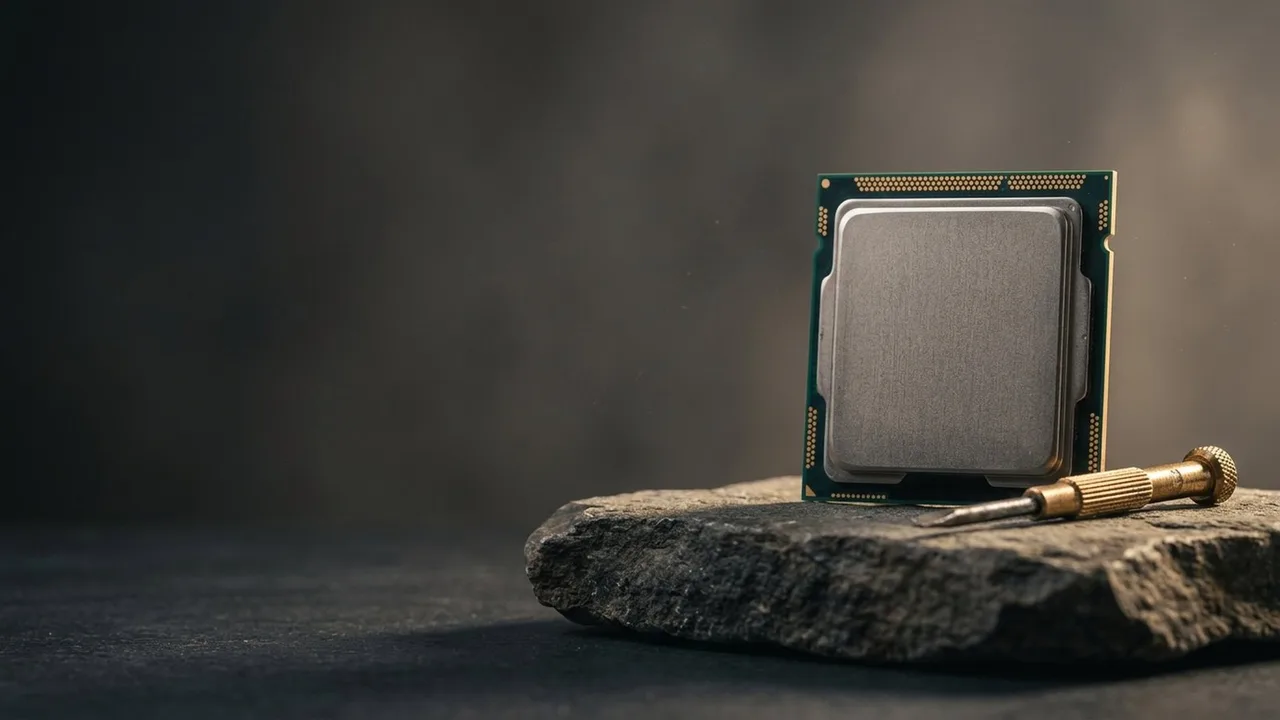
AMD identifies eight CPU cores, sixteen threads and 96MB of L3 cache. Its specifications list the AM5 socket and DDR5 memory support. Those establish important platform requirements; they do not prove an uplift in your particular game.
The X3D model belongs to AMD's stacked cache family. Cache is memory associated with the processor for working data, not additional system RAM you can use for all applications. A larger cache figure should not be turned into a universal performance percentage.
The listing uses a fastest gaming claim. We do not repeat it as an independently established result. Appropriate measurements need the exact game, settings and relevant competing setup, not just a headline on the box.
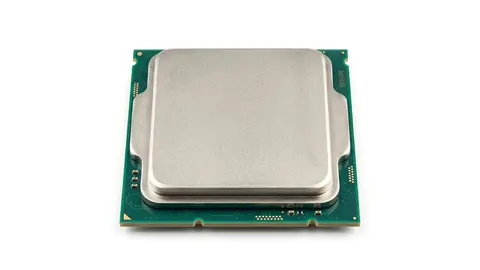
AMD Ryzen 7 9800X3D
Check the complete AM5 platform and cooling requirements before choosing this eight core processor.
A useful tier starts with what you already own
There are several sensible paths without adding unverified product recommendations. Keep the existing system if it meets the task. Investigate another component if that is the limiting part. Consider a platform change when measurements and compatibility justify it.
The gaming processor guide explains that decision order. This shortlist cannot establish which unlisted processor offers better value, and it does not invent alternatives outside the catalog to make a comparison table look complete.
Someone building a supported AM5 system can examine this model after confirming the intended workload. Someone with a different socket must assess the motherboard and memory change as part of the purchase. Those are different decisions even when the processor is the same.
Published testing on the one listed model
We did not benchmark it, but two independent reviews exist. TechPowerUp measured the 9800X3D about 3.4 percent faster than AMD's 7800X3D and about 13 percent faster than Intel's 285K at 1080p, noted gaming power draw near 65 W, and found gaming differences minimal at 4K. TechSpot reported 24 percent over the 285K across 45 games at 1080p. AMD's own claims are up to 20 percent over the 285K and 8 percent over the 7800X3D.
Read those as 1080p results with a fast graphics card. At 4K, or in a game limited by the graphics card, the gap shrinks, which is why the earlier advice to identify the actual bottleneck still applies. AMD also lists 4.7 and 5.2 GHz clocks, PCIe 5.0 and DDR5-5600 for two modules.
Socket compatibility is only the first check
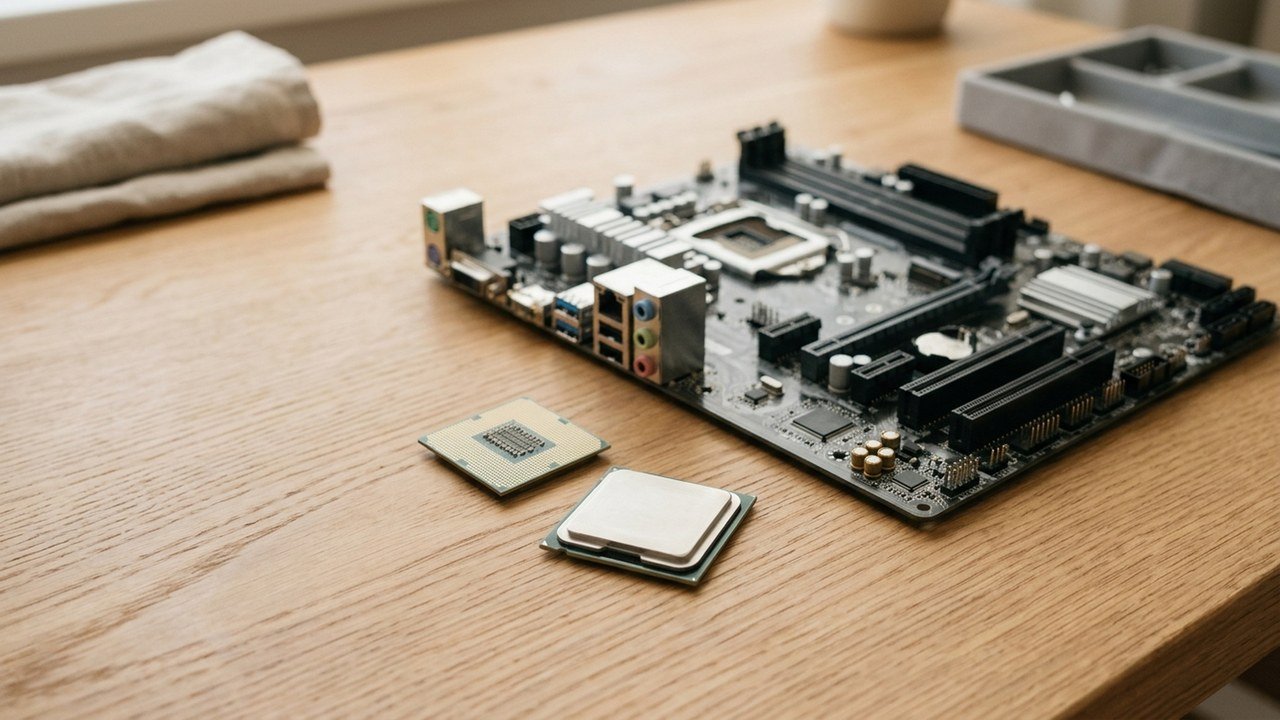
AM5 identifies the physical platform, but the motherboard maker's exact support list and required firmware still matter. Check the model and revision of the board you will use, not only the chipset family mentioned in a listing.
Find the firmware requirement before buying. If an update is necessary, obtain the manufacturer's procedure and prerequisites. Do not assume the existing processor, a board without a working system or every update method can perform the same operation.
Memory compatibility is another check. AMD specifies DDR5 support, but that does not approve every kit and configuration on every motherboard. Use the board and memory documentation rather than carrying assumptions from an older platform.
Cooling is not an included accessory here
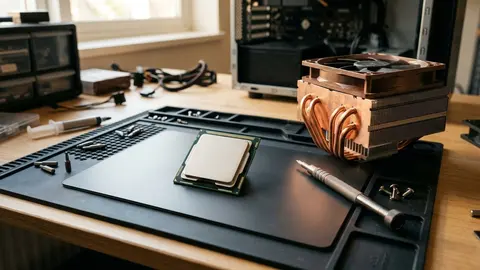
AMD states that the boxed processor has no included thermal solution and recommends a liquid cooler for optimal performance. That recommendation is not a guarantee that a particular cooler, radiator or case fits.
Check the cooler's mounting support, case clearance and installation requirements. Include the space occupied by the graphics card and memory when reviewing the build. Follow the component instructions for installation and service rather than improvising from a generic diagram.
AMD's 120W default TDP is a specification, not our measurement of system power at the wall. It is not a complete method for selecting a power supply. Assess the complete component configuration under the relevant manufacturers' guidance.
Identify the game problem before attributing it to the CPU
For a worked example, a player wants smoother delivery in one game but also runs recording software. They should document the settings, graphics configuration and background workload when assessing performance. A result from another resolution or a system without recording may answer a different question.
Do not assume every high resolution game is graphics limited or every lower resolution game is processor limited. The game, settings and target frame delivery matter together. We have not measured those combinations for this processor.
If the current system is already meeting the task, a new CPU may not address the user's actual complaint, such as an unstable connection or an application problem. Start with evidence about the specific symptom rather than treating every slow moment as a processor shortage.
Streaming and creative work need their own assessment
Eight cores and sixteen threads describe resources, not a measured result in every encoder or rendering program. Workloads may use the processor, graphics hardware or both. Check the actual application and the intended workflow before treating a gaming focused model as the obvious work upgrade.
A machine used for games during the evening and long creative jobs during the day should be assessed for both. If one task drives the purchase, make that explicit. We did not benchmark rendering, encoding or simultaneous recording, so no time saving is promised here.
A platform checklist that can stop an unsuitable purchase
| Requirement | Evidence to obtain |
|---|---|
| Motherboard | Exact model support and required firmware |
| Memory | Supported kit and intended configuration |
| Cooling | Mount, case clearance and installation requirements |
| Power | Complete component requirements, not CPU TDP alone |
| Workload | Relevant measurements for the problem being solved |
Check what is included in the exact listing and whether it is the boxed configuration you expect. Save the order and support documents. Warranty and return conditions are ownership details, not proof that the component will improve a game.
Memory labels are not automatic settings
AMD's memory table distinguishes configurations by module count and rank arrangement. A kit's advertised setting does not establish the supported setting for every populated motherboard. Check the board and memory documents for the actual arrangement you plan to install. If the required support information is missing, resolve it before using a faster kit label as the reason for buying.
Setup choices should not obscure the original result
For an upgrade, record the existing configuration and symptom before changing components. Follow the board's recommended initial settings and installation procedure. Do not begin with unsupported tuning settings while trying to determine whether the basic system works correctly.
Keep manufacturer documentation available for firmware, cooling and fault handling. We do not recommend a voltage, temperature target or overclock from memory. A generic tuning suggestion is not a substitute for instructions tied to the actual hardware.
The processor specification explainer, buying mistakes and 9800X3D closer look provide related reading.
Be careful with
Buying a processor before documenting the supported platform and the performance problem. An incompatible or unnecessary upgrade does not become useful because the listing uses a fastest claim.
Check the current price on Amazon after verifying the board, memory, cooling and workload case. If the missing evidence is a relevant benchmark or support document, obtain that evidence before choosing a tier.
Questions people ask
Is the 9800X3D the fastest choice for my games?
We did not obtain game specific benchmark results for your setup. Manufacturer specifications and a fastest claim do not establish performance in every game, resolution and graphics configuration.
What do I need to run it?
An explicitly supported motherboard and firmware, compatible DDR5 memory, suitable cooling and the rest of the required system. Check each maker's support list for the exact configuration.
Does it include a cooler?
AMD states that the boxed processor does not include a thermal solution and recommends liquid cooling for optimal performance. Confirm the chosen cooler and case compatibility rather than treating that as a complete installation plan.
Will a processor upgrade fix low frame rates?
Not necessarily. Identify whether the processor, graphics hardware, settings or another part limits the workload. We did not measure an upgrade benefit for your system.
Sources and scope
Reference material is linked for the scope described below. This is not a claim that every statement or current retailer offer has been independently verified.
- AMD Ryzen 7 9800X3D desktop processor (AMD): manufacturer specifications
- AMD introduces the Ryzen 7 9800X3D (AMD press release, 31 October 2024): manufacturer claims, not independent testing
- AMD Ryzen 7 9800X3D review (TechPowerUp): independent benchmark review
- AMD Ryzen 7 9800X3D vs Intel Core Ultra 9 285K (TechSpot): independent benchmark comparison
No hands-on testing or systematic reliability study was performed. Confirm current instructions, seller, model and box contents before ordering.