How should I set up my desk height and monitor so my back stops hurting?
How to set your desk height and monitor so your back and neck stop hurting, with simple measurements and common mistakes.

On this page
This is general ergonomics advice, not medical advice. If you have pain that does not ease, or numbness, please see a professional. The measurements below are common starting points that many people adjust to suit their body.
Start from the chair
Sit all the way back. Adjust the seat height so your feet rest flat on the floor and your knees sit near a right angle, with your thighs roughly parallel to the floor. If your feet cannot reach, use a footrest. Set the lumbar support in the small of your back so your pelvis does not slump.
Bring the desk to your elbows
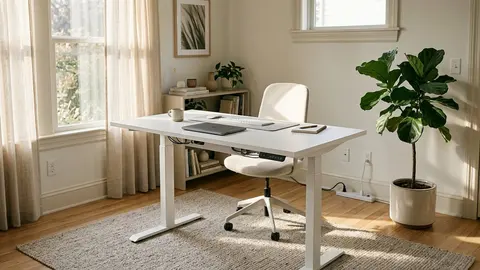
Relax your shoulders and bend your elbows to about a right angle. Your forearms should rest lightly on the desk or keyboard with your wrists straight. If the desk is too high, you will shrug. If it is too low, you will hunch. An adjustable desk makes this easy, and a fixed desk may need a keyboard tray or a higher chair with a footrest.
Place the monitor
Put the screen about an arm's length away and set the top edge near eye level, so you look slightly down at the middle. Square it to your body and avoid twisting to see it. If you wear bifocals, you may need it a little lower. With two monitors, put the main one in front and the second slightly off to the side.
Keyboard and mouse
Keep the keyboard close and the mouse next to it, so your elbows stay near your sides. Avoid bending your wrists up or resting them on a hard edge.
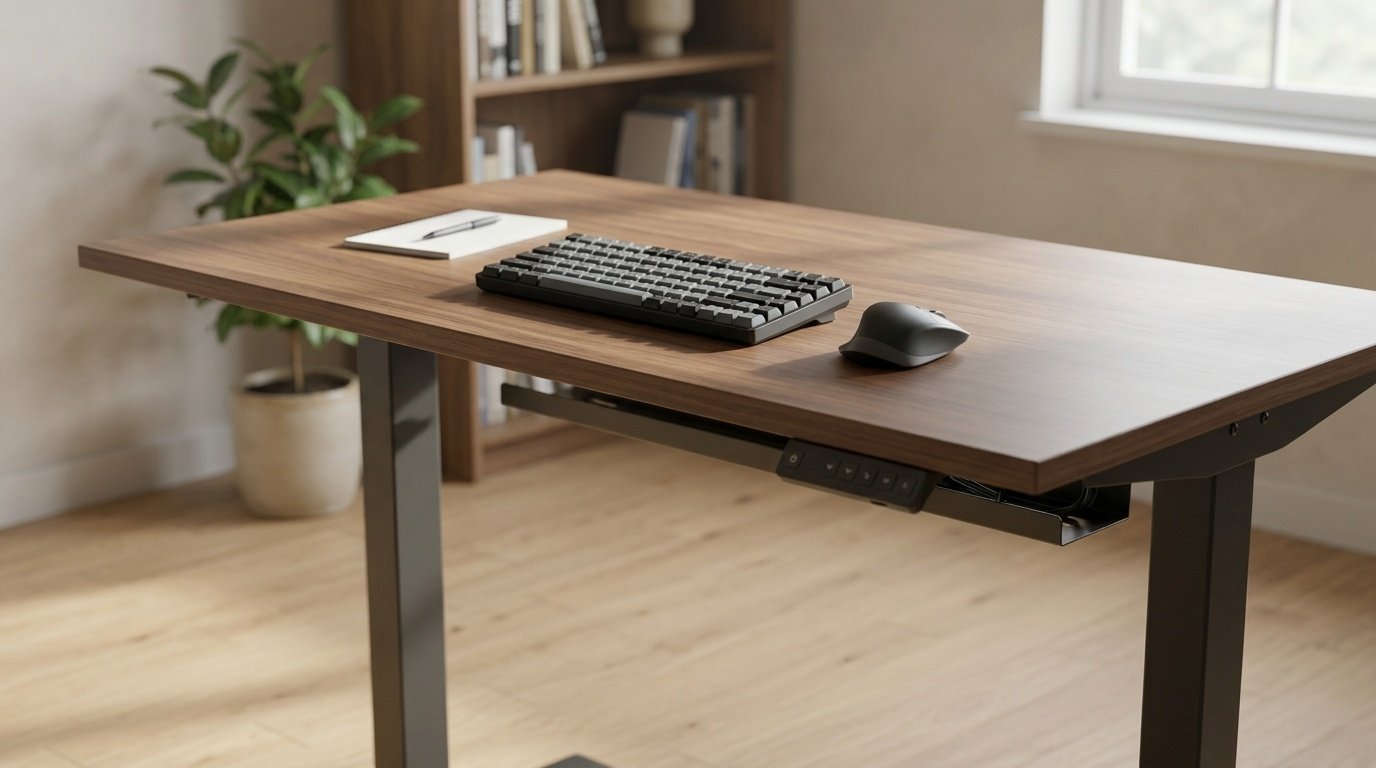
Standing desks
If you have one, such as the FLEXISPOT EN1 or Claiks, set the standing height to your elbows the same way. Start with short periods, then build up. Read is a standing desk worth it for realistic expectations, and see our standing desk guide for choosing one.
Veken 55-inch Large Electric Standing Desk
A 55-inch electric standing desk for dual monitor setups.
Claiks Electric Height Adjustable Standing Desk
A 48 by 24-inch electric standing desk with adjustable height.
FLEXISPOT EN1 One-Piece Standing Desk
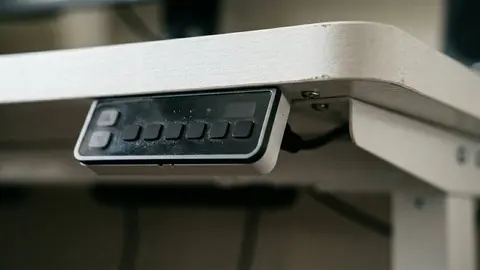
A standing desk with 4 memory presets, handy for sit and stand heights.
FLEXISPOT EN1 48"x24" One-Piece Standing Desk
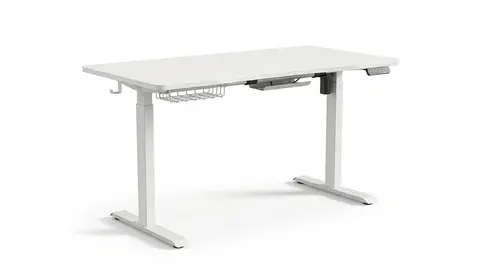
A one piece 48 by 24-inch standing desk in white.
Be careful with
Holding any posture for hours. The best position is the next one, so change often.
A checklist from two published sources
The OSHA computer workstation checklist describes the target posture: head and neck upright, trunk upright (you may lean back but not forward), shoulders relaxed with upper arms close to the body and elbows at about a right angle, wrists straight, thighs roughly level, lower legs near vertical and feet flat on the floor or a stable footrest. It gives no single desk height, and says to judge height by those posture checks. A San Bernardino Community College District ergonomics guide agrees and adds that your elbows should sit at about the level of the spacebar, with the keyboard flat or tilted slightly down and the back edge lower than the front.
Find your seated height
Set the chair so your feet rest flat and the backs of your knees sit slightly higher than the seat, as the SBCCD guide advises. Then adjust the desk or keyboard tray until your forearms are level when your elbows are at your sides. If the desk does not go low enough, raise the chair and add a footrest. If it will not go high enough, a taller desk is the fix.
Find your standing height
Stand in flat shoes and bend your elbows to a right angle. The keyboard surface should be at that height. Write the number down and save it as a preset if your desk has memory buttons. Check that the desk's published range includes it: FlexiSpot's page for its EN1, for example, lists 28 to 47.6 inches.
Monitor
Centre the monitor in front of you, about 18 to 24 inches away, with the top of the screen at eye level or slightly below, according to the SBCCD guide. OSHA adds that glare from windows or lights should not reflect on the screen. Place the screen perpendicular to a window where you can.
Mouse and wrists
Keep the mouse next to the keyboard so you do not reach, hold it loosely and move your whole arm rather than just the wrist. Use a wrist rest only during pauses in typing, as the SBCCD guide says.
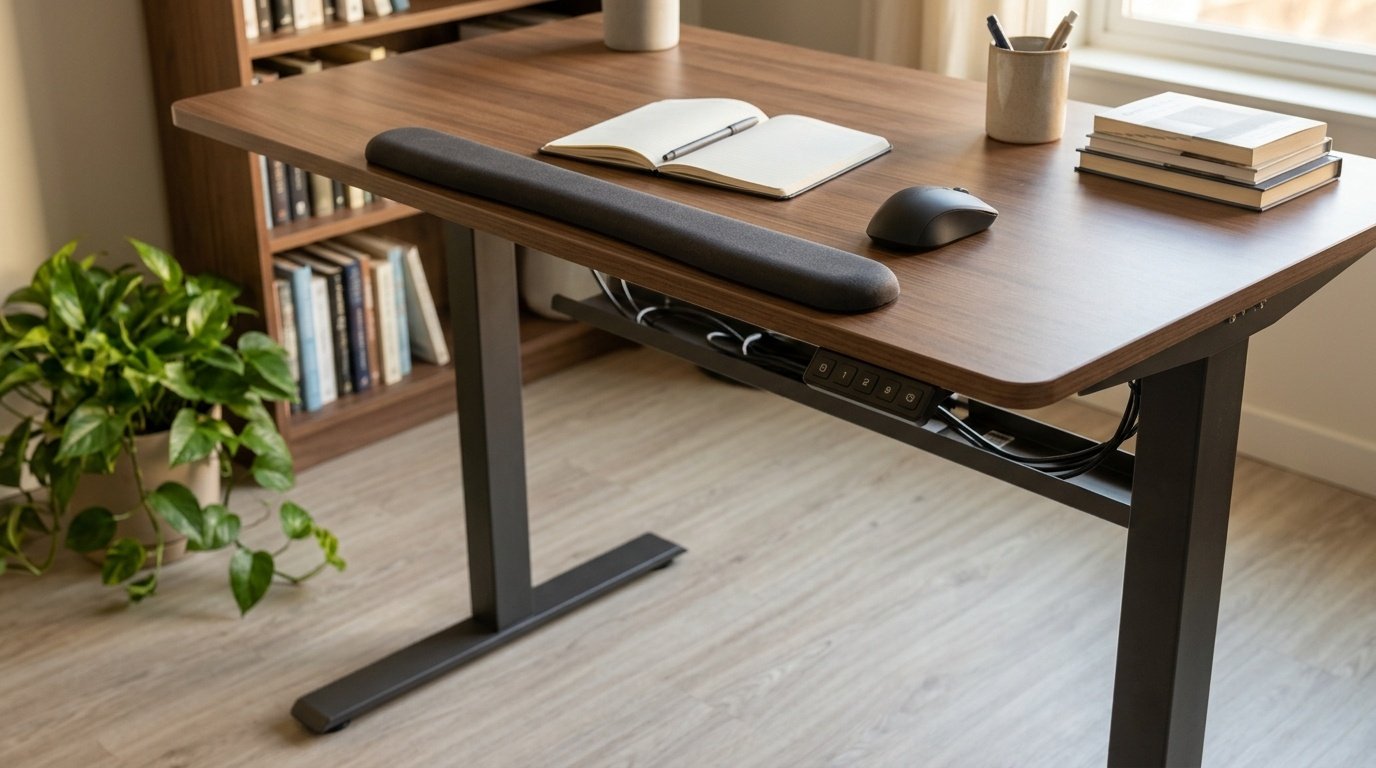
Do not stay at one height
The expert statement in the British Journal of Sports Medicine recommends breaking up long seated periods with standing work and building up gradually. Move between your two saved heights through the day.
A short routine for each day
Start the day by checking three things: feet flat, elbows at about a right angle and the top of the screen at eye level or slightly below. Then work in blocks. After a long seated stretch, stand for a while. OSHA's checklist asks that you can alternate tasks and take micro-breaks, which is easier when your desk makes position changes cheap.
Common mistakes
The monitor sits too low because it is on the desk rather than on a stand, so you tilt your head down. The keyboard sits too high, so your shoulders rise. The chair is too low, so your wrists bend upward. Each of these is a one-minute fix once you know to look for it.
A two minute reset
Every half hour, stand, roll your shoulders, look at something far away and walk to refill a glass of water. That habit does more than any gadget. If pain continues, ask a professional about your setup.
Questions people ask
How far should my monitor be?
About an arm's length, adjusted to what you can read comfortably.
Should my monitor be tilted?
A slight upward tilt can reduce glare. Keep the screen square to you.
Does a standing desk fix back pain?
Not by itself. Changing position and moving often matter more than the desk.
When should I see a professional?
If pain is severe, persistent, or comes with numbness, see a health professional.
Sources and scope
Reference material is linked for the scope described below. This is not a claim that every statement or current retailer offer has been independently verified.
- Computer Workstations eTool checklist (OSHA, U.S. Department of Labor, 2015): government workplace guidance (copy hosted by University of Colorado)
- Setting up your workstation to fit you (San Bernardino Community College District): workstation setup guidance
- Occupational sitting and health risk: expert statement (British Journal of Sports Medicine): expert statement on sitting and standing at work
- FlexiSpot EN1 standing desk (FlexiSpot): manufacturer specifications
No hands-on testing or systematic reliability study was performed. Confirm current instructions, seller, model and box contents before ordering.