What the specs on a L shaped desk listing really mean
What the specs on an L shaped desk listing really mean: dimensions, thickness, load rating and frame explained.
On this page
- Overall size and arm length
- Desktop thickness
- Load rating
- Frame
- Extras
- What the listings in this category state
- Overall size versus usable space
- Desktop thickness
- Legs and stability
- Power outlets and lighting
- Ergonomics
- Assembly
- The electric version
- Cable management
- Choosing the arrangement
- What to measure before you buy
- Reading the specs as a buyer
- Common failure points
- Glossary for L-shaped desk listings
- Choosing by room shape
- The practical answer
L shaped desk listings are packed with sizes and features. This explainer shows which numbers to trust and which words to ignore. It is source-informed, using example desks.
Overall size and arm length
Look for the total width and depth, and each arm's length. A desk called 63-inch, like the Huuger, may have a long arm of 63 inches and a shorter return. Draw it on the floor.
Desktop thickness
The Huuger lists 0.95-inch thickness, which is the kind of number you want to see. Thicker boards resist sagging under monitors.
Load rating
If the listing gives a rating, compare it with your equipment. If not, look at owner photos.
Frame
Look for steel and adjustable feet. Cross bars add rigidity.
Extras
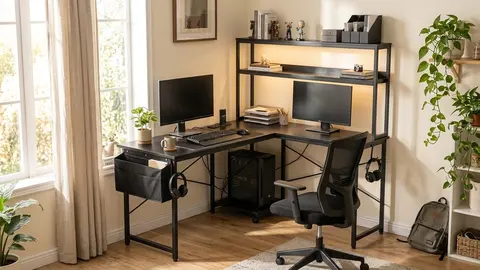
Shelves, outlets and lights on the ODK and AODK are conveniences. The OffiGo adds electric lift and drawers. See how to choose an L shaped desk and best L shaped desks.
ODK 53" L Shaped Gaming Desk
A 53-inch L shaped gaming desk with shelves, LEDs and outlets.
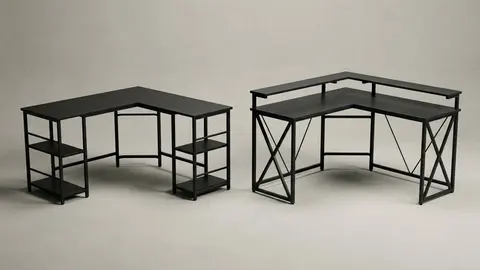
AODK L Shaped Desk Gaming Desk
An L shaped gaming desk with LED light and a power outlet.
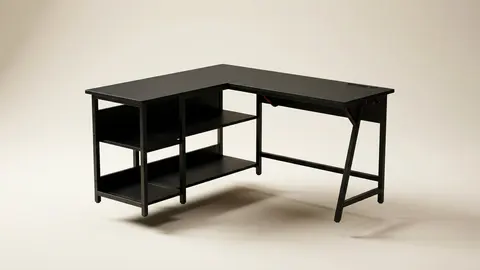
Huuger 63-inch L Shaped Desk
A 63-inch L shaped desk with a thicker desktop.
OffiGo L Shaped Electric Standing Desk
A 63-inch L shaped electric standing desk with drawers.
Be careful with
Trusting a size in the title without checking each arm.
What the listings in this category state
The L-shaped desks here are described by their listing titles: the ODK is 53 inches with shelves, LED lighting and outlets; the AODK has LED lighting and a power outlet; the Huuger is 63 inches with power outlets and a 0.95-inch thicker desktop; and the OffiGo is a 63-inch electric standing version with four drawers. These are seller statements, and I could not read a manufacturer page for any of them.
Overall size versus usable space
An overall size such as 53 or 63 inches describes the long side. The wings are shorter, and the corner takes up room. Look for the length and depth of each wing, and measure the space, including the door swing and any radiator.
Desktop thickness
A thicker top, such as the 0.95 inches in the Huuger listing, usually feels sturdier and resists sagging under monitors. Check what the top is made of, since thickness alone does not say.
Legs and stability
L-shaped desks wobble most at the corner. Look for levelling feet, metal braces and a stated weight capacity. Tighten fasteners after the first week.
Power outlets and lighting
Ask whether the outlet strip carries a recognised safety listing, its amp rating and whether it has surge protection. Do not plug high-draw devices into a desk strip unless the manual allows it.
Ergonomics
OSHA's computer workstation checklist asks that thighs have room under the work surface and legs fit under the desk. In an L-shape, check that the corner does not trap your legs, and that the keyboard and mouse sit within reach. An SBCCD guide adds that the monitor should be about 18 to 24 inches away, directly in front of you.
Assembly
Plan for two people and check the tool list. Keep the packaging until you are sure.
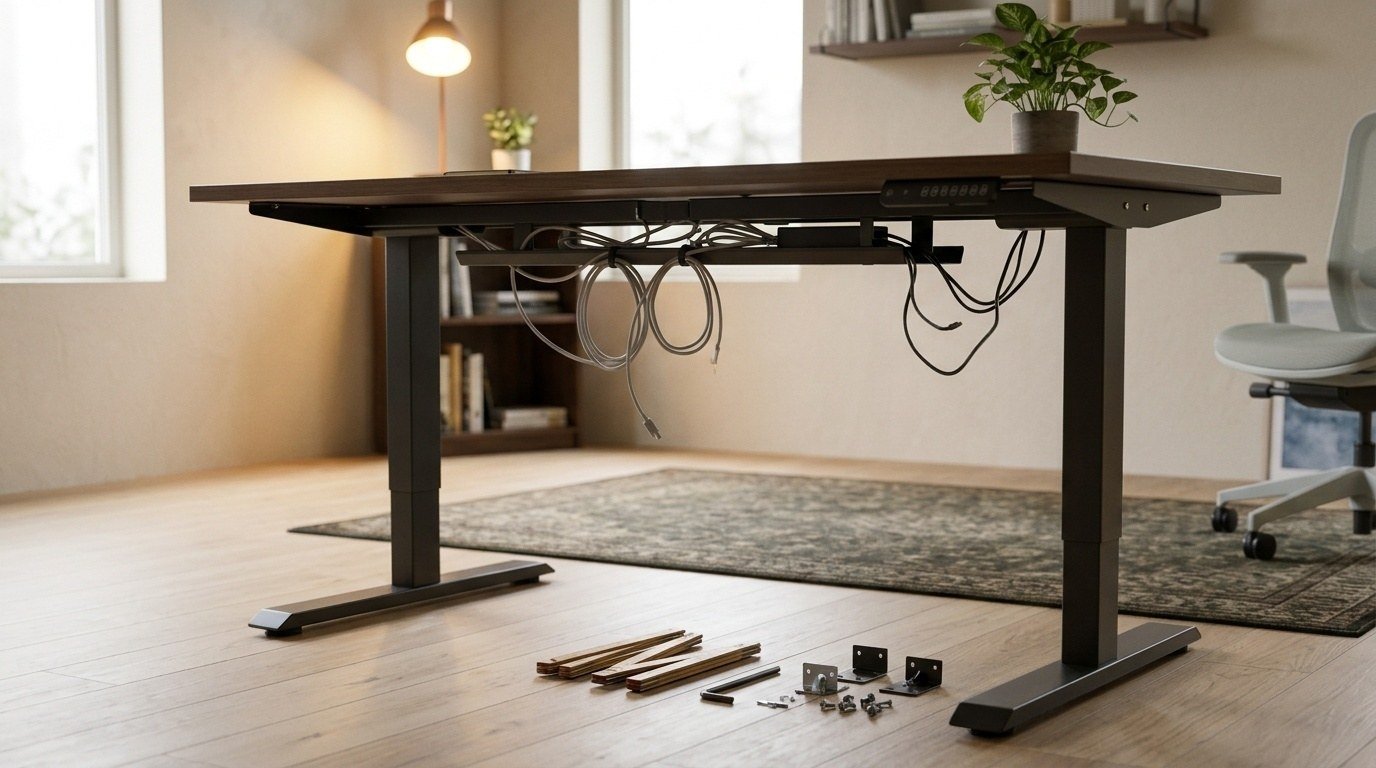
The electric version
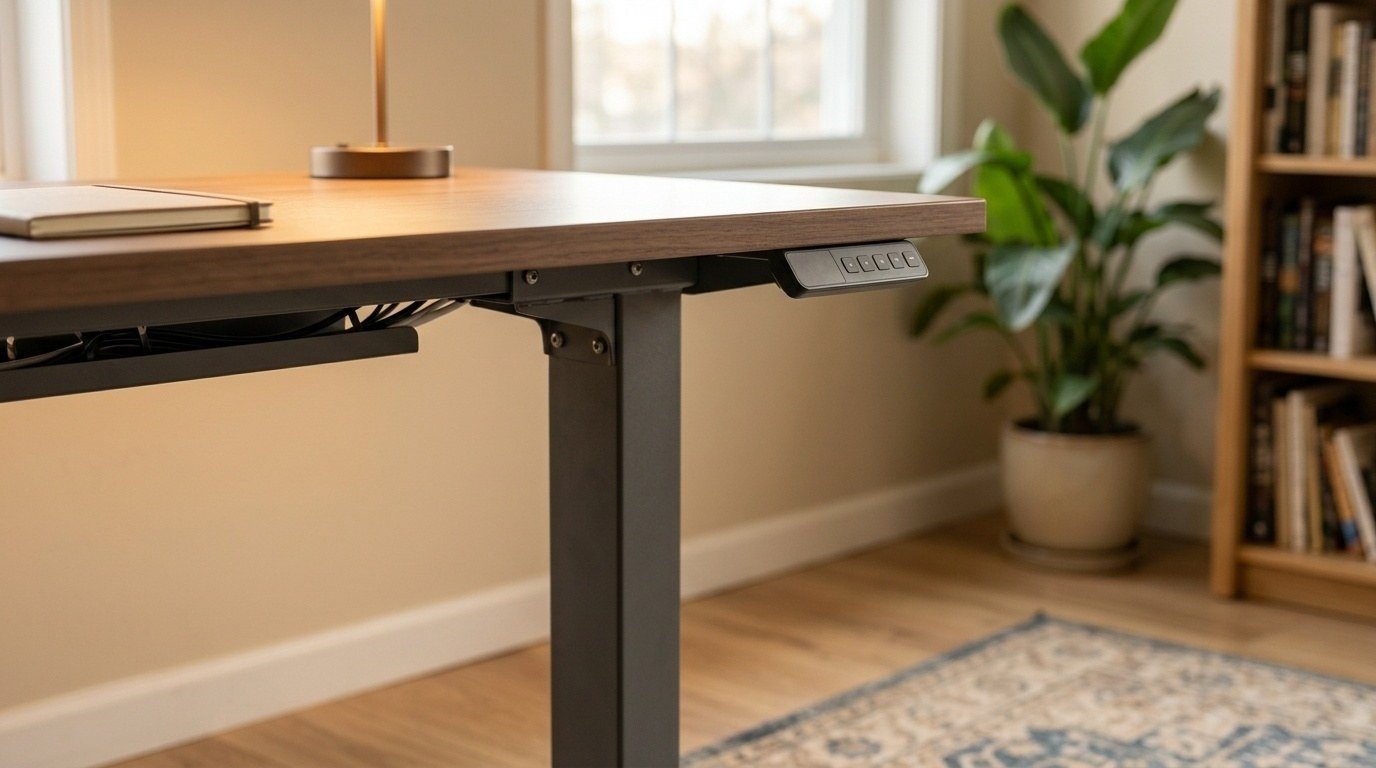
The OffiGo adds a motor and controller. For electric frames, ask for the height range, capacity and warranty, as FlexiSpot's EN1 page does.
Cable management
An L-shaped desk makes cables longer. Plan where the power comes in, and use ties or a tray. Leave slack if the desk is electric.
Choosing the arrangement
Put the main monitor on the longer wing, directly in front of you, and use the shorter wing for papers or a laptop. If you use two monitors, center them so you do not twist your neck, as OSHA's checklist asks that your head and neck stay upright and not twisted.
What to measure before you buy
Measure the room, the door swing, the window and any radiator. Measure the space for your chair to turn. Write down the wing lengths and compare them with the listing.
Reading the specs as a buyer
When a listing says 63-inch, ask which side. When it says 0.95-inch thicker desktop, ask what it is thicker than. When it says power outlets, ask how many, what rating and what listing. When it says gaming desk, ask what that changes, since often it means LED lights and a color scheme. Specs are only useful if you can check them.
Common failure points
The corner joint, the levelling feet, the cable holes and the outlet strip are the usual weak points. Check each on arrival. Tighten the bolts after a week. Do not lean heavily on the corner. If a piece is missing or damaged, photograph it and contact the seller at once.
Glossary for L-shaped desk listings
Return: the shorter wing. Wing: either arm of the L. Footprint: the overall floor area. Reversible: the return can be set left or right. Grommet: a hole for cables. Levelling feet: adjustable feet that stop wobble on uneven floors. Knowing these terms helps you read a listing quickly and ask the right question.
Choosing by room shape
A corner against two walls suits a classic L, because both wings sit against the wall and the open side gives you room to turn. A desk in the middle of a room needs a layout that does not trap your legs. A narrow room may suit a shorter wing and a longer return. Sketch the room on paper, mark the door swing, and test the wing sizes with tape on the floor.
The practical answer
Measure your room, read the numbers and ignore the adjectives.
Questions people ask
What is the footprint?
The total floor area the desk covers.
What does thickness mean?
The depth of the board. Thicker boards resist sagging.
Are shelves included in the height?
Often yes. Check total height.
What is a load rating?
The weight the maker says the desk can hold.
Sources and scope
Reference material is linked for the scope described below. This is not a claim that every statement or current retailer offer has been independently verified.
- Computer Workstations eTool checklist (OSHA, U.S. Department of Labor, 2015): government workplace guidance (copy hosted by University of Colorado)
- Setting up your workstation to fit you (San Bernardino Community College District): workstation setup guidance
- FlexiSpot EN1 standing desk (FlexiSpot): manufacturer specifications
No hands-on testing or systematic reliability study was performed. Confirm current instructions, seller, model and box contents before ordering.