Best ultrawide monitors: picks for different budgets and needs
Compare six ultrawide monitor listings by laptop connectivity, working layout and gaming modes. Separate the 57 inch format from ordinary wide desk choices.
On this page
- Quick picks are conditional on the job
- Dell S3425DW: connectivity is the useful distinction
- Samsung ViewFinity S50GC: a wide layout without a dock assumption
- SANSUI 200Hz: verify the promised mode through the actual input
- SANSUI 240Hz: a bigger number is a separate requirement
- Alienware AW3425DWM: compare the gaming arrangement, not the name
- Neo G9: a different desk and connection problem
- What the maker pages add
- Compare the requirement that could rule it out
- Use the supplied stand drawing, not the screen diagonal
- A shared laptop desk needs a complete test plan
One buyer wants a laptop to charge while two documents stay visible. Another wants a game spread across a wide screen. Those are different jobs, even when both buyers choose an ultrawide. This list groups six entries by the requirement that should decide the purchase.
We opened the Amazon listings and Dell's S3425DW specification page. We did not measure picture quality, color accuracy or game performance. The shortlist is not a tested best to worst ranking, and marketing claims about reduced eye strain are not established benefits in our recommendations.
Quick picks are conditional on the job
Check S3425DW when laptop connectivity is central. Compare ViewFinity if a wide working layout is the main requirement. Investigate the Alienware and SANSUI modes when gaming behavior matters, and treat Neo G9 as a separate large format decision.
The ultrawide selection guide covers the measuring and connection process. Do not choose between these entries from diagonal size or response figures alone.
Dell S3425DW: connectivity is the useful distinction
The Dell S3425DW manufacturer page confirms a 34-inch VA format, 3440 by 1440 resolution and a maximum stated 120Hz mode. It also documents USB C video through DisplayPort Alternate Mode and power delivery up to 65W.
Consider it when that connection arrangement fits the laptop and peripherals you actually use. Ask whether the laptop port carries the necessary video and whether its charging demand is compatible. A matching plug is not enough.
Skip it if you require a different power allowance or unsupported output mode. We did not verify real response performance, despite unusually low numbers appearing in listing marketing. The S3425DW closer look provides related questions.
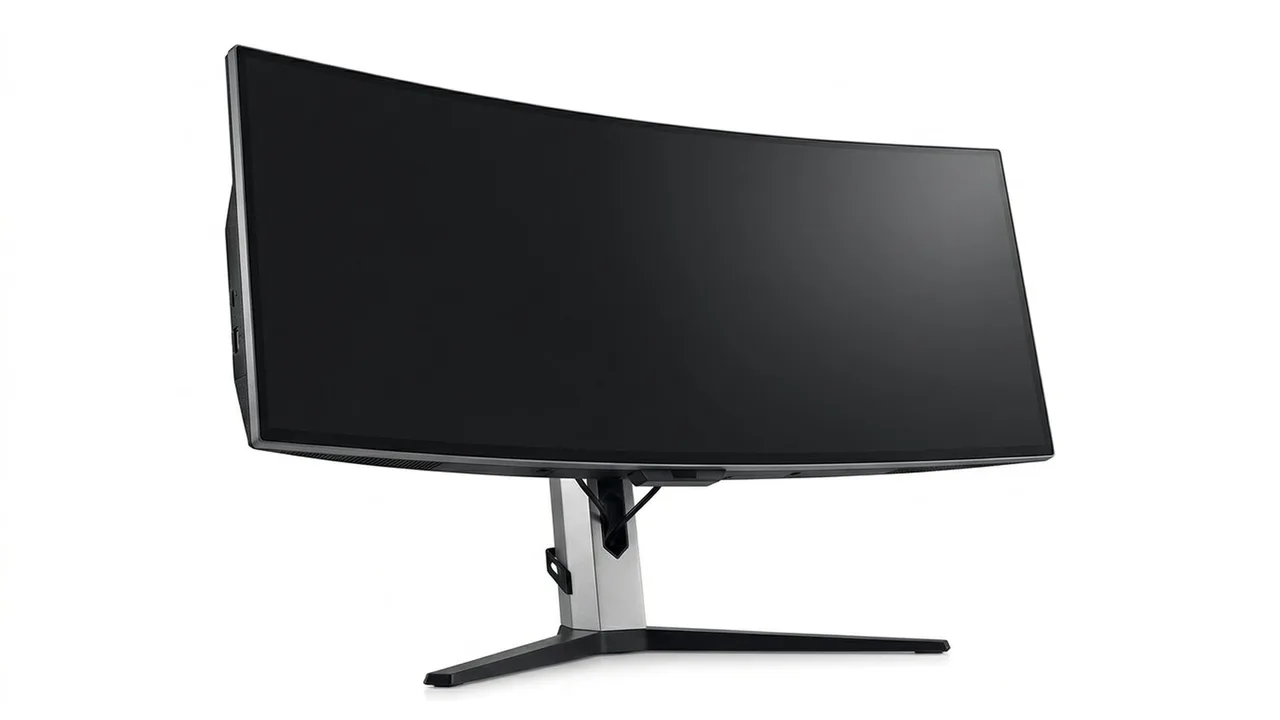
Dell S3425DW 34-inch Monitor
Consider the documented USB C format when the laptop's display and power requirements match.
Samsung ViewFinity S50GC: a wide layout without a dock assumption
The ViewFinity S50GC listing describes a 34-inch ultra WQHD screen with a 100Hz mode. It is worth examining when side by side applications are the reason for choosing width.
Check the supported inputs and any picture in picture or picture by picture arrangement for the exact model. Those functions do not establish that the display supplies every connection or charging job of a laptop dock.
Skip it if a required laptop feature is not documented, or its stand cannot place the screen where you need it. We did not substantiate a measured color or comfort advantage. Our Dell and ViewFinity comparison focuses on the questions that separate them.
Samsung ViewFinity S50GC 34-inch
Compare the wide working format and its inputs before assuming it replaces other desk connections.
SANSUI 200Hz: verify the promised mode through the actual input
The SANSUI 34-inch 200Hz listing states 3440 by 1440, a curved VA format and a maximum 200Hz mode. It also describes tilt adjustment and no built-in speakers.
Consider it only when the selected input mode and your intended games justify that specification. Check audio separately if the desk setup relies on monitor speakers. Skip it when required height movement or a different input arrangement is not established.
We did not measure ghosting, latency or warranty service. A response time label is not independent evidence of how the image behaves in a dark scene.
SANSUI 34-inch Curved Ultrawide Monitor
Check input mode, stand adjustment and the separate audio route before choosing the 200Hz entry.
SANSUI 240Hz: a bigger number is a separate requirement
The SANSUI 240Hz listing describes a curved 3440 by 1440 format with a 240Hz mode. That does not make it a verified improvement over the other SANSUI in every task.
Consider it when your connection and game performance support the particular mode you want. Read the mode table rather than assuming every advertised maximum is available through every adapter. Skip it if the extra refresh requirement has no purpose in your actual software or the selected stand lacks an adjustment you need.
We did not confirm a measured comparison between the two SANSUI entries. Their advertised response metrics should not be treated as identical tests.
SANSUI 34-inch Curved Monitor 240Hz UWQHD 3440×1440
Choose the higher refresh entry only after confirming its complete output path and intended use.
Alienware AW3425DWM: compare the gaming arrangement, not the name
The Alienware 34 curved gaming monitor listing describes a 34-inch WQHD format with a 180Hz mode. Dell provides a model specific user guide through its support page.
Consider it when the gaming layout and supported mode fit your system. Obtain the guide for input, stand and mounting details before finalizing the setup. Skip it if the application does not use the wide format or the required connection is not established.
A gaming brand name and certification wording do not provide our own latency, brightness or color measurements. We did not perform those tests.
Alienware AW3425DWM 34-inch
Compare AW3425DWM through its exact model instructions and the mode your system can deliver.
Neo G9: a different desk and connection problem
The Samsung 57-inch Odyssey Neo G9 listing describes dual UHD and a 1000R curve. It also emphasizes high refresh operation through specified connections. This is not simply a wider version of a 34-inch work display.
Consider it only with a measured room layout and a documented graphics output path. Check the supported full resolution modes, stand footprint and any mounting system together. Skip it if you are buying mainly to avoid deciding which windows belong on separate screens.
We did not verify every high bandwidth mode with a graphics card or measure its dimming performance. Those unknowns belong in the decision rather than being replaced with an enthusiast label.
Samsung Odyssey Neo G9 57-inch
Treat dual UHD as its own system requirement, not an automatic upgrade from a smaller ultrawide.
What the maker pages add
Where a manufacturer page exists, these are its stated figures, not ours.
- Dell S3425DW: VA, 3440 by 1440, 120 Hz, 1800R curve, USB-C with 65 W power delivery, FreeSync Premium, one year warranty.
- Samsung S50GC: flat 34-inch Ultra-WQHD VA at 100 Hz, 5 ms, HDR10, FreeSync Premium Pro, two HDMI 2.0 and one DisplayPort 1.2, tilt-only stand, picture-in-picture and picture-by-picture.
- Alienware AW3425DWM: VA, up to 180 Hz, 1500R curve, DisplayHDR 400, two HDMI 2.1 and one DisplayPort 1.4, three year warranty.
- Samsung Neo G9 57-inch: 7680 by 2160 at 32:9, 240 Hz, mini-LED, DisplayHDR 1000 and DisplayPort 2.1.
Two points follow. Only the Neo G9 lists DisplayPort 2.1, which VESA describes as the version built for very high resolution and refresh combinations, so a graphics card with a matching output matters there. And Dell's one year warranty on the S3425DW is shorter than the three years Dell lists for the Alienware, a difference worth weighing at similar prices. The two SANSUI listings had no manufacturer page we could read, so their figures remain seller claims.
Compare the requirement that could rule it out
| Entry | Useful starting point | Check that can change the decision |
|---|---|---|
| Dell | USB C work arrangement | Laptop video and charging requirements |
| ViewFinity | Wide application layout | Exact inputs and stand position |
| SANSUI pair | Advertised high refresh modes | Connection path and audio requirements |
| Alienware | Gaming focused wide format | Model mode table and application support |
| Neo G9 | Large dual UHD workspace | Full footprint and high bandwidth output |
Use the supplied stand drawing, not the screen diagonal
Dell's S3425DW page lists an overall width with the stand of 31.78 inches and a stand depth of 8.73 inches. These manufacturer dimensions are more useful for a desk sketch than the diagonal alone. Mark the stand footprint and the remaining keyboard area in the position you intend to use.
For the other entries, obtain their own drawings rather than copying those measurements. A similar diagonal or curve does not establish the same stand footprint.
A shared laptop desk needs a complete test plan
Imagine two people alternate laptops at the same desk. One can send the intended video mode through its USB C port; the other uses an adapter. The screen's capabilities do not make both paths equivalent. Document each output chain and charging arrangement before choosing the monitor.
Save the seller's return conditions and exact model specifications. Follow the cleaning guidance rather than improvising on a coated panel. The specification explainer and buying mistakes provide related reading.
Be careful with
A refresh or size upgrade that cannot be used through your actual computer and dock. Resolve the mode and physical layout before checking the current price on Amazon.
Questions people ask
Which entry is worth checking for a laptop setup?
Dell documents USB C video and power delivery up to 65W on S3425DW. Confirm that your laptop supports the required video mode and that its charging needs fit.
Which is best for gaming?
We did not measure game performance, motion or latency. Compare the advertised modes with the actual games, graphics hardware and connection you intend to use.
Which is the largest format here?
The checked Samsung Odyssey Neo G9 listing describes a 57 inch dual UHD format. Its full physical and connection requirements are separate from those of the 34 inch entries.
Does a higher refresh rate make a better monitor?
Not by itself. Input modes, real motion behavior, application support and physical fit are separate questions, and we did not independently test them.
Sources and scope
Reference material is linked for the scope described below. This is not a claim that every statement or current retailer offer has been independently verified.
- Dell 34 Plus curved monitor S3425DW (Dell): manufacturer specifications
- 34 inch ViewFinity S50GC Ultra-WQHD monitor (Samsung): manufacturer specifications
- Alienware 34 gaming monitor AW3425DWM fact and spec sheet (Dell Technologies): manufacturer specifications
- 57 inch Odyssey Neo G9 G95NC (Samsung): manufacturer specifications
- VESA releases DisplayPort 2.1 specification (VESA): interface standard
- HDMI 2.1 specification overview (HDMI Licensing Administrator): interface standard
- DisplayHDR CTS 1.2 specification summary (VESA DisplayHDR): HDR certification criteria
- AMD FreeSync technology (AMD): adaptive sync tiers and requirements
- Computer workstations: monitors (OSHA, U.S. Department of Labor): government workplace guidance
No hands-on testing or systematic reliability study was performed. Confirm current instructions, seller, model and box contents before ordering.