Dell S3425DW 34 Inch Monitor vs Samsung ViewFinity S50GC 34 Inch
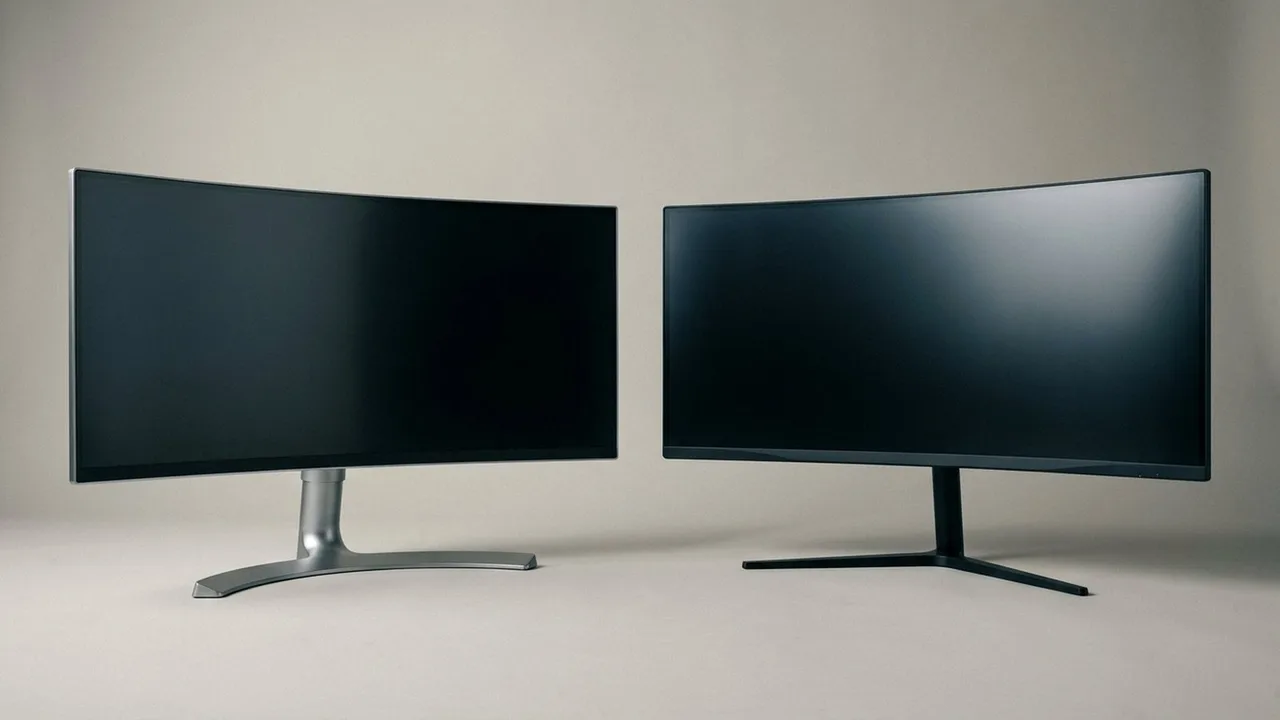
Compare Dell S3425DW and ViewFinity S50GC by confirmed connections, panel format and two source functions, without unsupported motion or HDR rankings.
On this page
- Decide what the monitor must do for the sources
- Dell provides a specific laptop connection case
- Samsung documents ways to display two sources
- Their refresh labels are not measured results
- Wide VA panels do not settle color or HDR quality
- Two stated differences from the maker pages
- The useful comparison table
- Work through a laptop and desktop example
Two documents need to remain visible, but your desk also serves a second computer. That makes connection handling a more useful comparison than a claim that one brand is for work and the other is for games.
We read the listings and the makers' pages for Dell S3425DW and Samsung S50GC. This is not a hands on comparison. We did not measure motion, color or HDR performance, and we cannot turn a refresh difference into a universal recommendation.
Decide what the monitor must do for the sources
The Dell's documented USB C connection is relevant when a compatible laptop needs video and charging together. Samsung's documented picture in picture and picture by picture functions are relevant when you want to display more than one source.
Those are different jobs. Picture by picture does not automatically transfer a keyboard between computers, charge a laptop or provide every port on a dock. Write down what each source needs before assigning either screen a productivity label.
Dell provides a specific laptop connection case
Dell confirms USB C DisplayPort Alternate Mode and power delivery up to 65W. Consider S3425DW when the laptop's video output and charging requirements match that arrangement. Check the relevant mode through the exact cable and any intervening equipment.
Dell S3425DW 34-inch Monitor
Investigate Dell when compatible laptop video and charging are the reason to change the setup.
Skip it if the laptop needs a different charging allowance or if the display mode cannot be established. The feature is not a promise that the monitor replaces your existing dock. Peripherals and the other jobs performed by the dock still need checking.
Samsung documents ways to display two sources
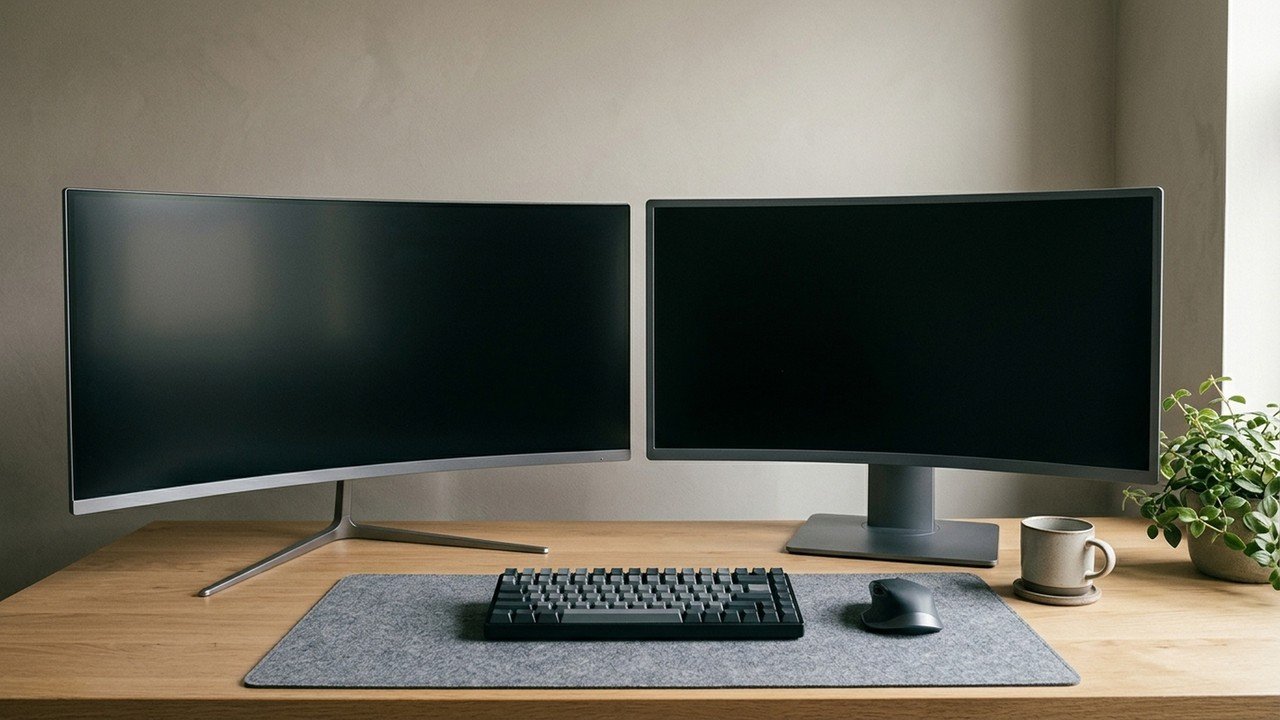
Samsung lists one DisplayPort 1.2 connection, two HDMI 2.0 connections, picture in picture and picture by picture on the checked S50GC page. Those are useful facts to investigate for a two source arrangement.
Consider ViewFinity S50GC when those picture functions address a real task. Obtain the model instructions for the supported combinations, operating behavior and resolution in the selected picture mode. A function listed as present does not establish every source combination.
Samsung ViewFinity S50GC 34-inch
Investigate Samsung when its documented two source picture functions match your intended workflow.
Skip it if the missing requirement is verified laptop charging or a dock replacement. We did not establish those capabilities from the checked page. The page also contains generic wording for other Samsung device types; we did not transfer those statements into this monitor comparison.
Their refresh labels are not measured results
Dell states 120Hz and Samsung states a maximum 100Hz. That describes how often the display can update in a supported mode. It does not show how quickly a particular pixel transition completes or how much delay the complete system introduces.
Both can be investigated for mixed work and entertainment. There is no sound basis here to declare the Dell smoother in every scene or the Samsung unsuitable for serious play. Check the actual game, source mode and independent measurements if motion is central.
The refresh rate explainer separates the terminology. Treat response figures using different measurement methods as different claims, not numbers on one common scorecard.
Wide VA panels do not settle color or HDR quality
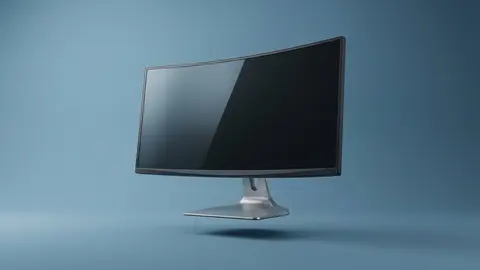
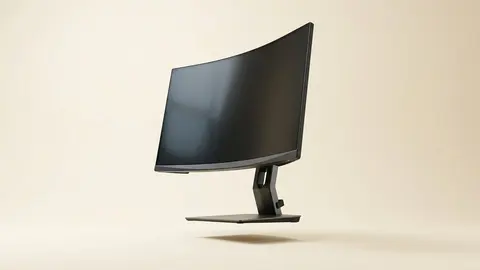
Dell identifies its screen as VA at 3440 by 1440. The checked Samsung page identifies a flat VA screen, a 34-inch ultra WQHD format and HDR10 support. These are format descriptions, not proof of calibrated accuracy or effective high dynamic range rendering.
We did not obtain comparative measurements of brightness, dimming, uniformity or color. We therefore do not promise richer colors from the HDR label or dismiss either display as unsuitable purely from the panel family.
For color critical work, use evidence for the exact model and calibration workflow. For documents, check readable scaling and the applications you actually use. Those questions cannot be answered by an HDR badge alone.
Two stated differences from the maker pages
Dell lists a one year warranty for the S3425DW, a 1800R curve and 120 Hz. Samsung lists the S50GC as flat, at 100 Hz, with a tilt-only stand and FreeSync Premium Pro. OSHA advises the top of the screen at or slightly below eye level, so a stand that only tilts may need an arm on some desks.
The useful comparison table
| Requirement | Dell S3425DW | Samsung S50GC |
|---|---|---|
| Maximum stated refresh | 120Hz | 100Hz |
| Laptop video and charging | USB C video and up to 65W documented | Not established in our checked source |
| Two source display | Check exact model instructions | PIP and PBP documented |
| Measured picture winner | Not established | Not established |
Work through a laptop and desktop example
Suppose the laptop handles documents while the desktop runs another application. First decide whether both images must be visible at once. If so, examine supported picture by picture combinations and the practical text size in that mode.
If only one source is active at a time, input switching and laptop charging may be more important. Check the keyboard, mouse and audio route separately. Neither picture splitting nor a USB C plug establishes that all those accessories follow the active image automatically.
Trace each monitor's own stand footprint in the intended desk position. Dell lists stand depth as 8.73 inches, but that measurement should not be borrowed for Samsung. Obtain Samsung's selected model drawing if the space is close.
Be careful with
Paying for a function that does not perform the missing job. A two source picture mode is not a dock, and a higher refresh label is not a measured image quality verdict.
Read the Dell closer look, ultrawide guide and shortlist for the related checks. Choose the model with the documented connection case that fits, then check the current price on Amazon. If measured picture behavior decides the purchase, this specification comparison is not enough by itself.
Questions people ask
Which has the higher stated refresh mode?
Dell states 120Hz; Samsung states 100Hz. That difference is not an independent measurement of response behaviour or latency.
Does HDR10 prove the Samsung has better pictures?
No. Samsung lists HDR10 support, but we did not obtain brightness, dimming or colour measurements that establish a picture quality advantage.
Does the Samsung replace a laptop dock?
We did not establish that. Its documented video inputs and two source picture features are not evidence of laptop charging or every dock function.
Are the panels the same format?
Both are wide VA formats in the checked sources, but Samsung specifically identifies its S50GC panel as flat. Their stands, inputs and exact dimensions need separate checks.
Sources and scope
Reference material is linked for the scope described below. This is not a claim that every statement or current retailer offer has been independently verified.
- Dell 34 Plus curved monitor S3425DW (Dell): manufacturer specifications
- 34 inch ViewFinity S50GC Ultra-WQHD monitor (Samsung): manufacturer specifications
- AMD FreeSync technology (AMD): adaptive sync tiers and requirements
- Computer workstations: monitors (OSHA, U.S. Department of Labor): government workplace guidance
No hands-on testing or systematic reliability study was performed. Confirm current instructions, seller, model and box contents before ordering.