How to choose a drawing tablet
How to choose a drawing tablet: pen tablet versus pen display, size, pressure, compatibility and who each suits.
On this page
This is a source-informed guide, not a hands on test. We read Wacom's pages for the Intuos range and its article on entry-level versus professional devices, and Huion's pages for the Kamvas 13 Gen 3. We did not draw on either, so we cannot say how the pens feel.
Pen tablet or pen display
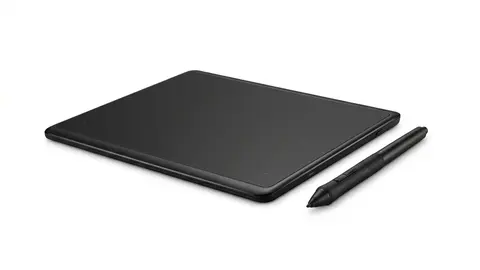
A pen tablet, like the Wacom Intuos Medium, is a flat pad with no screen. You draw on the pad and watch the monitor. Wacom's article says it works like a precise mouse and is usually the cheaper and more portable option. A pen display, like the Huion Kamvas 13 Gen 3, lets you draw directly on the image. Wacom's article says pen displays suit illustrators, digital painters and comic artists, and that they usually stay tethered to a desk setup.
Size
The active area is the part you draw on. Wacom lists the Intuos Medium at 216 by 135 mm and the Small at 152 by 95 mm. Huion lists a 13.3-inch screen with a working area of 293.8 by 165.2 mm for the Kamvas 13. A bigger area suits sweeping strokes, while a smaller one suits a crowded desk or a bag. Measure the desk space, including where your hand and the keyboard sit.
Pressure and tilt
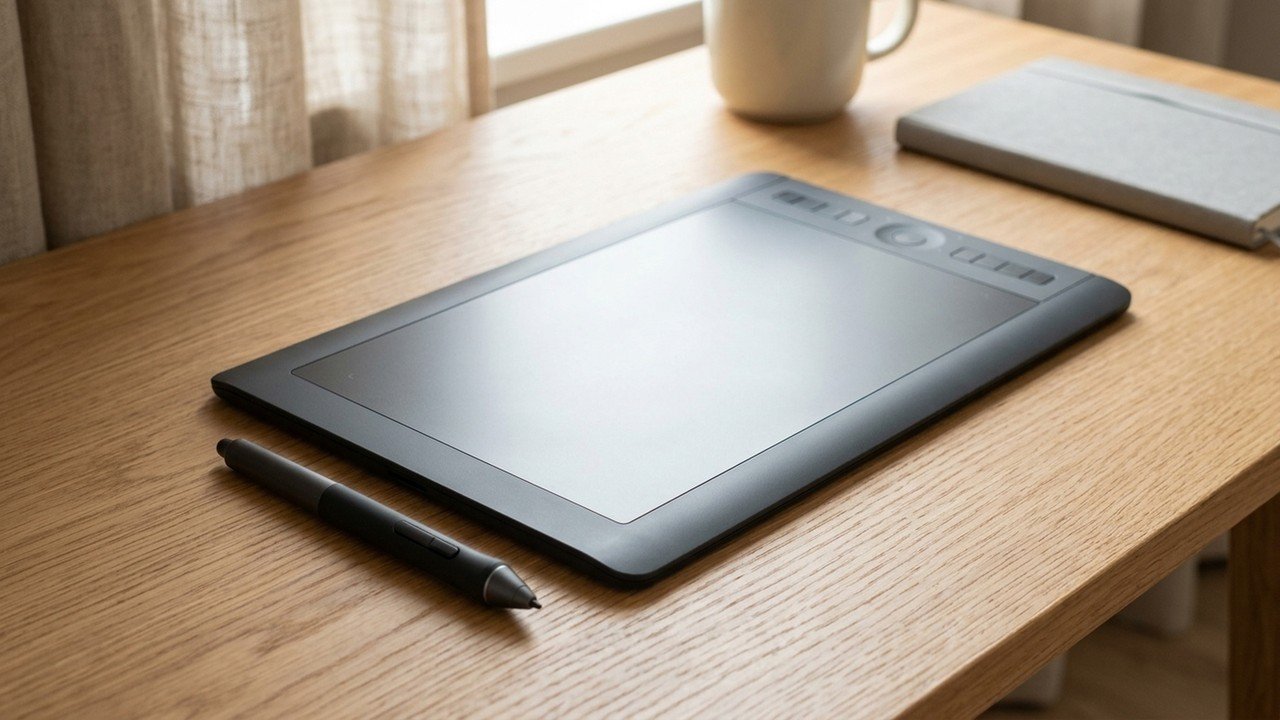
Pressure levels describe how finely the pen senses force. Wacom lists 4,096 levels for the Intuos pen and Huion lists 16,384 for its pen. Wacom's article says most beginners cannot tell the difference between its entry-level and professional pens, so do not choose on that number alone. Tilt lets the pen shade as you angle it. Huion lists plus or minus 60 degrees. Wacom's Intuos page does not mention tilt, so check before buying if you need it.
Connectivity
Wacom lists Bluetooth on the Medium, with a battery rated for at least 15 hours, and a USB cable. Huion lists a 3-in-1 cable with the Kamvas and a full featured USB-C cable available separately. A data-only USB-C port will not carry video, so check that your computer's port supports what Huion requires. Huion's connection page says a pen display used over USB-C needs a full featured port or a cable and power adapter arrangement.
Software and drivers
Wacom lists drivers for Windows and Mac, with Android and ChromeOS working with the pen and tablet. Huion lists Windows, macOS, Android devices that support USB 3.1 and DisplayPort 1.2, and Ubuntu 20.04. Check that your art software supports the tablet, and that your operating system version is on the list.
Screen quality
Huion lists the Kamvas 13 Gen 3 as a fully laminated IPS screen with 1920 by 1080 resolution, 99 percent sRGB and 90 percent Adobe RGB, 220 nits of brightness and an anti-glare etched glass surface. Lamination reduces the gap between pen tip and image, which is the parallax that affects precision. These are the maker's figures, and we did not measure them.
Who it suits
Beginners often learn well on a pen tablet, and Wacom describes Intuos as aimed at beginners and enthusiasts. Illustrators and animators often prefer a display. Photo retouchers often work with a pad. This is general guidance, not a test.
What to skip
Skip a pen display if your desk is small or you need to carry it daily, since Huion lists it at 865 g, with a 361 by 203 mm body and an optional stand sold separately. Skip a pad that lacks the feature you rely on, such as tilt. Skip a purchase made on pressure numbers alone, and read the warranty: Wacom lists one year for the Intuos, while Huion's page links to a warranty statement without listing terms.
Buttons and shortcuts
Wacom lists four ExpressKeys on Windows and Mac, and Huion lists five press keys and two dials. If you zoom and change brush size often, shortcuts save time. If you mostly use the pen, they matter less.
A worked example
A student wants to start digital drawing on a laptop with little desk space. A pad such as the Intuos Medium needs no screen of its own, has a battery rated for 15 hours and works wirelessly. If the student later finds that looking away from the hand is the sticking point, a pen display like the Kamvas would be the next step, with the cable and port requirements checked first.
Before you pay
Check the return window, because pen feel is personal. Draw for a week, with your real software, before deciding. If the pen feels wrong or the cable arrangement is awkward, return it while you still can and try the other type.
If you are buying for a child or a classroom, the same checks apply, and a battery free pen is one less thing to charge or lose.
Next steps
Read the Wacom Intuos review and drawing tablet specs explained.
Wacom Intuos Medium
A Bluetooth pen tablet with a battery-free pen and a 216 by 135 mm active area.
HUION Kamvas 13 Gen 3
A 13.3-inch pen display with a tilt-capable pen and dials.
Be careful with
Assuming a pen display will make you draw better. It makes drawing more direct, not easier.
The practical answer
If you are unsure, start with a pen tablet. Buy a display if you know you need to draw on the image itself, and check the cable and port first.
Questions people ask
Pen tablet or pen display?
A pen tablet is cheaper and takes practice for hand eye coordination. A pen display lets you draw directly on the image.
What size should I get?
Medium suits most desks. Larger suits big arm movements.
Do they work with all software?
Most support popular art and photo programs. Check compatibility.
Do I need a computer?
Most need one. Some standalone devices exist, but these are different products.
Sources and scope
Reference material is linked for the scope described below. This is not a claim that every statement or current retailer offer has been independently verified.
- Wacom Intuos pen tablet (Wacom): manufacturer specifications
- Wacom Intuos Medium Bluetooth CTL6100WLK0 (Wacom eStore): manufacturer specifications
- Differences between entry-level and professional Wacom devices (Wacom Community): manufacturer buying guidance
- Huion Kamvas 13 (Gen 3) (Huion): manufacturer specifications
- How do I connect the Huion Kamvas 13 (Gen 3) to my computer? (Huion Support): manufacturer setup instructions
No hands-on testing or systematic reliability study was performed. Confirm current instructions, seller, model and box contents before ordering.