What the specs on a laptop listing really mean
What the specs on a laptop listing really mean: processor names, memory, storage, screen, battery claims and port terms explained.
On this page
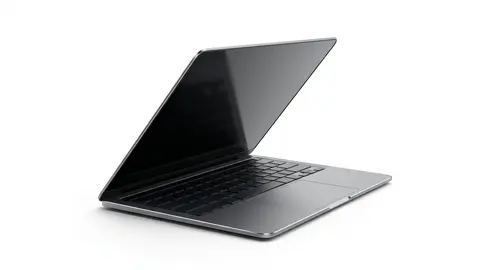
Laptop listings mix real specifications with marketing. This source-informed explainer helps you tell them apart, using Apple's specification page for the MacBook Neo and Microsoft's Windows 11 requirements. We did not use these laptops. For the Lenovo and HP models we only had the listing, so those figures are the seller's claims.
Processor
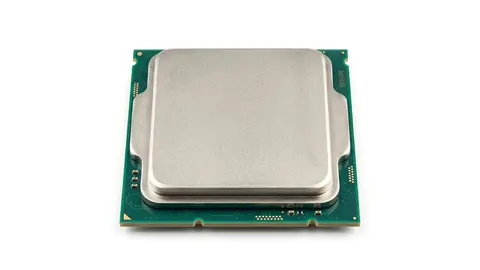
Look for the brand, class and generation. Apple lists the MacBook Neo with an A18 Pro chip, a 6 core CPU with two performance and four efficiency cores, a 5 core GPU and a 16 core Neural Engine. The Lenovo and HP listings name an Intel processor without detail in the title, so open the listing and find the full model number.
Memory
Memory is the working space the laptop uses while programs run. Apple lists 8 GB of unified memory on both Neo configurations, and the Lenovo listing says 8 GB of DDR5. Microsoft's Windows 11 minimum is 4 GB, so 8 GB is double the floor. Heavy browsing, many apps and creative work want more, so check whether memory is soldered or upgradable.

Storage
Apple lists 256 GB or 512 GB SSDs and notes that formatted capacity is less than the stated figure. The Lenovo and HP listings say 128 GB. Windows 11 needs at least 64 GB, so 128 GB leaves limited room after updates. Plan on cloud or external storage, or choose a larger size.
Screen
Check size, resolution, brightness and panel type. Apple lists a 13.0-inch IPS display at 2408 by 1506, 219 pixels per inch, 500 nits and sRGB color. Full HD at 15.6 inches is common on budget Windows models. Look for brightness in nits where it is listed, since a dim screen is hard to use near a window.
Battery
Battery claims are best cases. Apple lists up to 16 hours of video streaming and up to 11 hours of wireless web from its own tests on preproduction systems, with a 36.5 watt-hour battery. Real use is lower. Check watt-hours where a listing gives them.
Ports and wireless
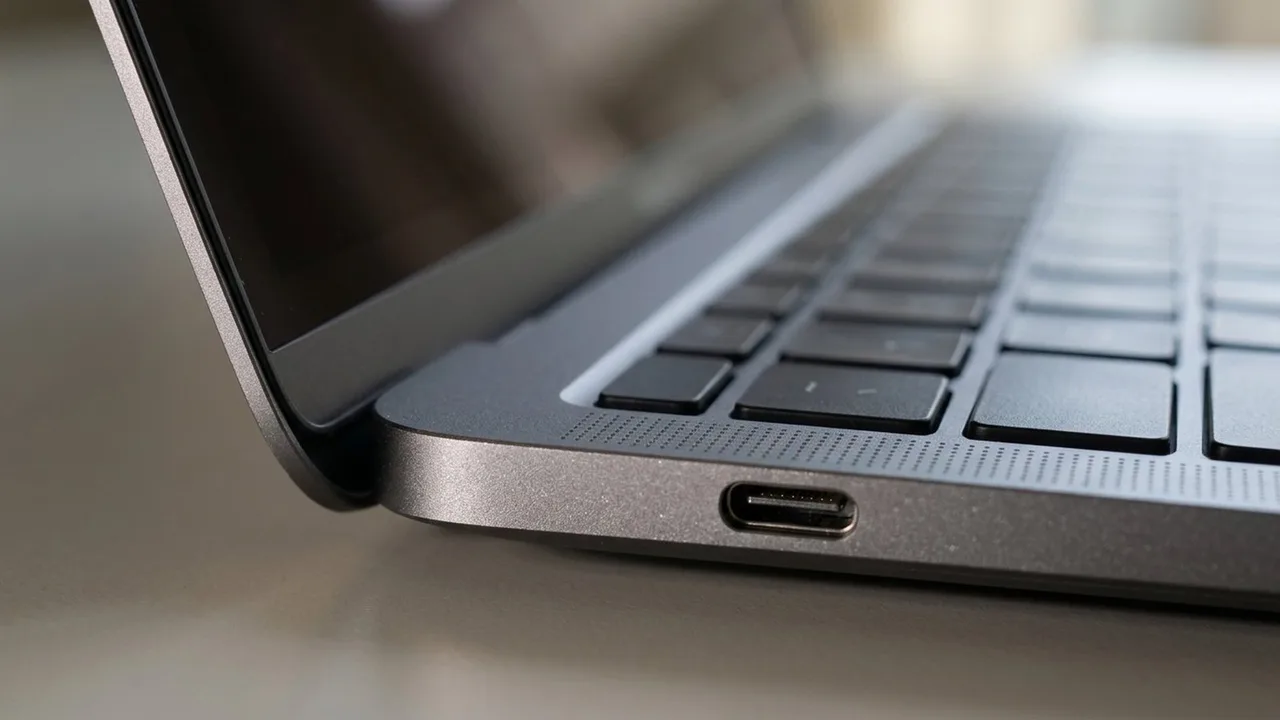
Apple lists one USB 3 port with DisplayPort and one USB 2 port, plus Wi-Fi 6E and Bluetooth 6. It says the Neo supports one external display up to 4K at 60 Hz. The number of screens a laptop drives is a specification of its own, so look for it. Fewer ports mean more dongles.
Weight and size
Apple lists 1.23 kg and 11.71 by 8.12 by 0.50 inches. Weight and size decide whether you carry the laptop daily. Check these figures against the bag you use.
Marketing words
Essential, Business, Neo, AI and 2026 are labels. They do not tell you speed or quality. Ask what hardware is behind them, and compare the processor, memory and storage lines.
What "meets the requirements" does and does not mean
Microsoft lists Windows 11 minimums of 4 GB of memory and 64 GB of storage, with a 1 GHz two core 64 bit processor, TPM 2.0 and DirectX 12 graphics. A laptop that meets them will run Windows 11, but the minimums are a floor, not a recommendation. Treat any listing that sits at the floor as a laptop for light use.
Wireless and charging
Wi-Fi 6E and Bluetooth 6 are what Apple lists for the Neo. Check the Wi-Fi version on other models, since it affects speed on a modern router. Apple lists a 20 W USB-C power adapter in the box, so check what charger a listing includes and whether it charges over USB-C, which would let you share one charger with a phone or a dock.
Keyboard and trackpad
A spec table rarely tells you how a keyboard feels. Apple lists a Magic Keyboard with 12 full height function keys, with or without Touch ID, and a Multi-Touch trackpad. For Windows models, look at the layout and the key travel in photos, and use the return window to test it.
How to compare two listings
Put them side by side with one row each for processor, memory, storage, screen size and resolution, brightness, weight, ports, external display limit and warranty. Fill every cell from the listing or the maker's page. Where a cell is empty, that is a question for the seller, and an unanswered question is a reason to move on.
Read the box contents
Check what the listing says is in the box, such as the charger and its wattage, and whether the operating system is installed. Apple lists a 20 W USB-C adapter, which tells you something about how fast the Neo charges. A listing that does not say what is included is a question for the seller.
Put it together
Read how to choose a laptop for a full buying plan, and how to connect multiple monitors if you plan a desk setup.
Apple 2026 MacBook Neo 13-inch Laptop
A 13-inch Apple laptop with an A18 Pro chip and a 500 nit display.
Lenovo 15.6-inch Business Laptop
A 15.6-inch FHD Lenovo laptop; the listing gives 8 GB DDR5 and 128 GB storage.
HP Essential Laptop
An HP laptop; the listing gives 128 GB storage and Windows 11.
Be careful with
Trusting a laptop name or year as a quality signal. Read the processor, memory and storage lines.
The practical answer
Find the processor model, memory and storage first, then the display limit and weight. If any of them are vague, move on.
Questions people ask
What does 8GB DDR5 mean?
8 gigabytes of DDR5 memory, which is the working memory of the computer.
What is a chip like A18 Pro?
Apple's processor. The class and generation matter.
Is 128GB enough?
For light use only. It fills quickly.
What does built for AI mean?
A marketing phrase. Check the actual hardware.
Sources and scope
Reference material is linked for the scope described below. This is not a claim that every statement or current retailer offer has been independently verified.
- MacBook Neo tech specs (Apple): manufacturer specifications
- Windows 11 specifications and system requirements (Microsoft): operating system requirements
- How to use multiple monitors in Windows (Microsoft Support): operating system instructions
- Connect displays to your Mac (Apple Support): operating system instructions
No hands-on testing or systematic reliability study was performed. Confirm current instructions, seller, model and box contents before ordering.