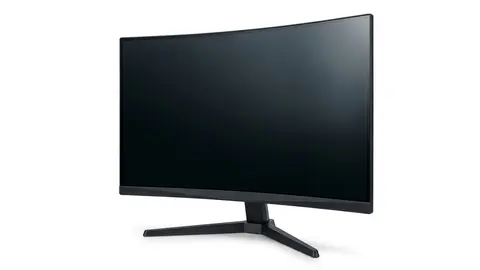
Samsung 32" Odyssey vs Dell S2725QS 27 Inch 4K
Compare the curved QHD G55C with the flat 4K S2725QS by application layout, documented stand movement and output requirements rather than assumed performance.
On this page
- Choose the format before assigning a winner
- Dell offers documented stand movement
- Side by side from the manufacturer pages
- A curved panel needs its own room sketch
- Pixel layout and readable workspace are related, not identical
- Higher refresh does not establish the game result
- Panel labels cannot approve color work
- What the checked sources establish
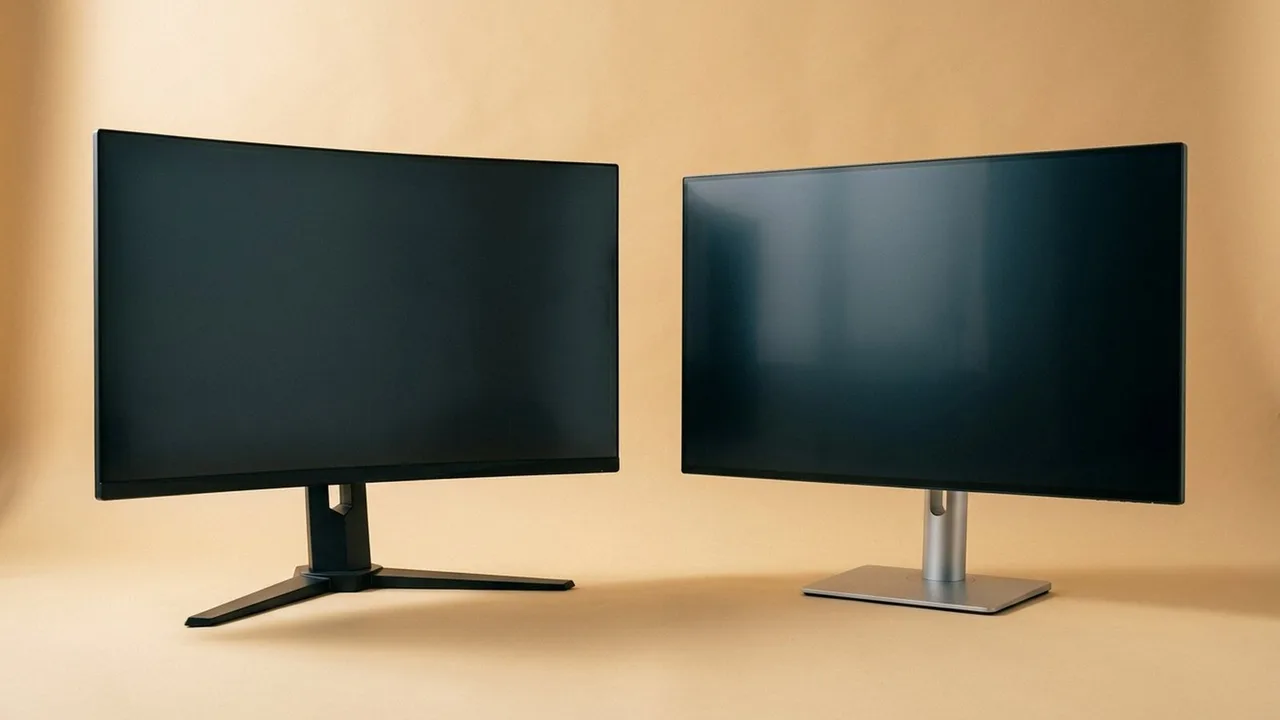
One screen is curved and physically larger; the other has more pixels in a smaller diagonal. That contrast is clear on a specification sheet, but it does not decide whether your documents, games and equipment fit the resulting setup.
We checked the product listings and read Dell's S2725QS specifications. This comparison is source-informed, not a display test. We did not measure motion, color accuracy or text rendering on either model.
Choose the format before assigning a winner
The Samsung G55C caption identifies a 32-inch QHD screen with a 1000R curve. The Dell S2725QS is a 27-inch 4K IPS format; Dell confirms 3840 by 2160 at 120Hz and a flat screen.
Consider Samsung when a larger curved QHD layout is intentional. Consider Dell when a flat 4K arrangement meets a specific application or stand requirement. Skip either if the format has no useful job in your actual workspace.
A gaming label is not a reason to exclude office work. A higher pixel count is not a reason to assume every game or document will improve. The decision still needs the computer and application context.
Dell offers documented stand movement
Dell lists height, pivot, swivel and tilt adjustment for S2725QS. That can matter if your current screen cannot reach the intended position. A stand control changes the physical arrangement; it does not guarantee comfort for every person.
Dell S2725QS 27-inch 4K Monitor
Consider Dell when its documented flat 4K format and stand movement solve a specific setup problem.
Dell gives an overall width with stand of 24.08 inches and stand depth of 7.89 inches. Trace those dimensions where the monitor would sit, then check the keyboard and equipment area that remains.
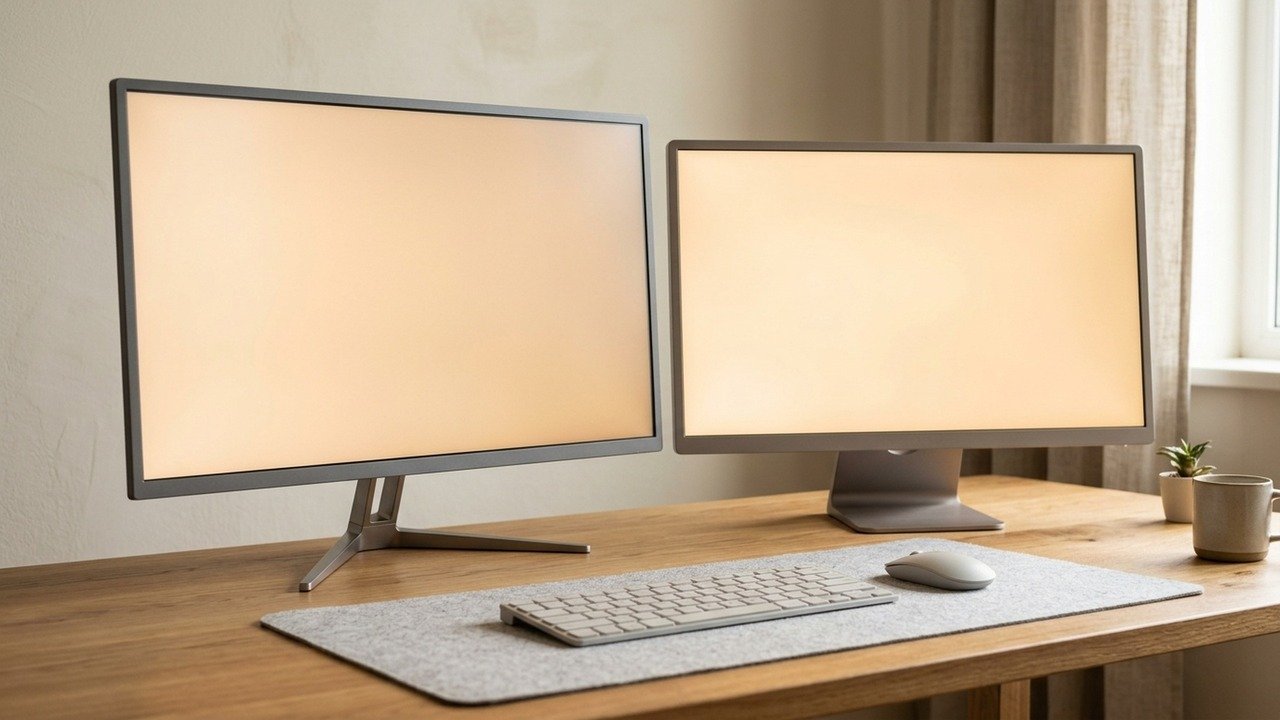
For Samsung, obtain its own stand drawing and adjustment documentation. We did not establish the same movement or footprint for G55C. Similar monitor photographs are not a substitute for the selected model's dimensions.
Side by side from the manufacturer pages
| Item | Samsung G55C | Dell S2725QS |
|---|---|---|
| Panel | VA | IPS |
| Resolution | 2560 by 1440 | 3840 by 2160 |
| Size and shape | 32-inch, 1000R curve | 27-inch, flat |
| Refresh rate | Up to 165 Hz | 120 Hz standard |
| Response time | 1 ms MPRT | 8, 5 or 4 ms grey to grey by mode |
| Brightness and contrast | 300 cd/m², 2,500:1 | 350 cd/m², 1,500:1 |
| Inputs | DisplayPort 1.2, HDMI 2.0 | 2 HDMI, DisplayPort 1.4 |
| Stand | Simple tilt stand | Height, tilt, swivel and pivot |
| VESA | 75 by 75 mm | 100 by 100 mm |
| Speakers | Not listed | Dual 5 W |
The response time rows are not comparable, because MPRT and grey to grey are different measurements. The contrast rows follow the panel types: Samsung's buying guide describes VA as having strong contrast and IPS as having wide viewing angles with limited contrast. Dell lists HDR support over HDMI for the S2725QS without a certification, and Samsung lists HDR10 for the G55C, which is a signal format. Neither page lists a DisplayHDR tier, so we do not rank them on HDR.
The mounting rows matter more than they look. A 75 by 75 pattern and a 100 by 100 pattern are not interchangeable, and OSHA says monitor supports should let you adjust distance, tilt and rotation. If you plan an arm, check the pattern and the weight limit first.
A curved panel needs its own room sketch
Samsung's 1000R label describes curvature, not an independently verified immersive or health benefit. The screen position and the surrounding equipment still need checking. Do not interpret a curve label as a recommended viewing distance.
Samsung 32" Odyssey
Compare the larger curved QHD format with the room and application layout before choosing G55C.
For a worked example, someone uses a laptop beside the display and keeps a notebook on the desk. A larger screen can fit across the back while leaving the laptop in an awkward position. A curved format does not resolve that problem automatically.
An arm might change the footprint, but it requires separate monitor, arm and desk compatibility checks. We did not approve a mount pairing for either model.
Pixel layout and readable workspace are related, not identical
A higher pixel count provides more image samples, but software scaling changes the apparent size of text and controls. Compare the document arrangement at a readable setting rather than the maximum number of windows shown in a product photograph.
Check the programs you use most, including remote desktop tools and older applications. We did not measure the clarity of either panel. The 1440p and 4K explainer helps separate format differences from universal reading claims.
Skip a format that requires an unsuitable application arrangement. Do not keep unreadably small controls merely to demonstrate that more pixels fit on the desktop.
Higher refresh does not establish the game result
The checked G55C listing states 165Hz; Dell confirms 120Hz for S2725QS. Those are supported display modes to verify through the intended input. They do not establish comparative latency or transition behavior.
Your game settings and graphics configuration are another part of the result. We do not prescribe Samsung for every mid range graphics card or claim that all 4K gaming requires one particular hardware tier.
If motion is central, find measured evidence for the exact model and the modes you plan to use. The refresh rate explainer explains why the largest refresh figure is not a complete score.
Panel labels cannot approve color work
Dell identifies IPS. That is not evidence that a factory mode meets a professional calibration requirement. We did not obtain comparative color, uniformity or brightness measurements for these displays.
For creative work, specify the actual color workflow and obtain appropriate evidence. For everyday documents, prioritise readable layout and practical connections. Neither task is settled by calling one screen sharp and the other immersive.
What the checked sources establish
| Decision | Samsung G55C | Dell S2725QS |
|---|---|---|
| Main format | Larger curved QHD | Flat 27-inch 4K IPS |
| Maximum stated mode | 165Hz listing claim | 120Hz manufacturer specification |
| Stand movement | Exact selected model documentation needed | Height, pivot, swivel and tilt documented |
| Tested performance winner | Not established | Not established |
Save the exact configuration, mode requirements and return terms before ordering. Follow the selected maker's setup and cleaning instructions. Do not transfer a warranty or panel fault policy between brands or sellers.
Be careful with
Turning a pixel count, curve or panel family into a universal performance verdict. The useful difference is the requirement it actually satisfies in your setup.
Read the G55C closer look, monitor guide and shortlist. Choose by documented format and fit, then check the current price on Amazon. If measured picture quality decides the purchase, obtain those missing results first.
Questions people ask
Which has the larger diagonal?
The G55C caption states 32 inches; the S2725QS is 27 inches. That does not establish the full screen width or stand footprint.
Which has the higher stated refresh mode?
The checked G55C listing states 165Hz. Dell confirms 120Hz for S2725QS. Compare supported connection modes and measured behaviour separately.
Which is better for text?
We did not measure text clarity. Dell provides a higher pixel layout, but readable scaling and the applications you use still need checking.
Is Dell automatically better for colour work?
No. IPS is a panel label, not independent proof of calibrated accuracy or uniformity. Obtain suitable measurements for the exact model.
Sources and scope
Reference material is linked for the scope described below. This is not a claim that every statement or current retailer offer has been independently verified.
- Odyssey G55C 32 inch QHD curved gaming monitor (Samsung): manufacturer specifications
- Dell 27 Plus 4K monitor S2725QS (Dell): manufacturer specifications
- Computer workstations: monitors (OSHA, U.S. Department of Labor): government workplace guidance
- Monitor buying guide: IPS vs VA vs TN vs OLED (Samsung): panel type comparison by a manufacturer
- DisplayHDR CTS 1.2 specification summary (VESA DisplayHDR): HDR certification criteria
No hands-on testing or systematic reliability study was performed. Confirm current instructions, seller, model and box contents before ordering.