Is the HUANUO 48″ x 24″ Standing worth it?
A research based review of the HUANUO 48 by 24 electric standing desk with two drawers: who it suits and what to check.
On this page
- What it is
- Who it suits
- Who should skip it
- What to check
- Setting it up
- How it compares
- What I could and could not verify
- What the features mean
- What to ask
- For reference
- Who it suits
- What to do on arrival
- Setup and the first week
- Using the drawers and hooks
- Monitor arm
- Ergonomics
- Safety
- Who it suits and who should skip it
- Deal-breakers to check on arrival
- Questions and answers
- Verdict
This is a source-informed review, not a hands on test. We read the listing, compared it with other desks and looked at recurring owner themes.
What it is
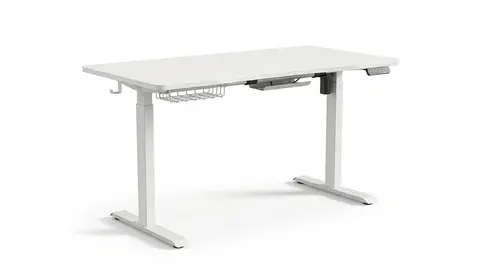
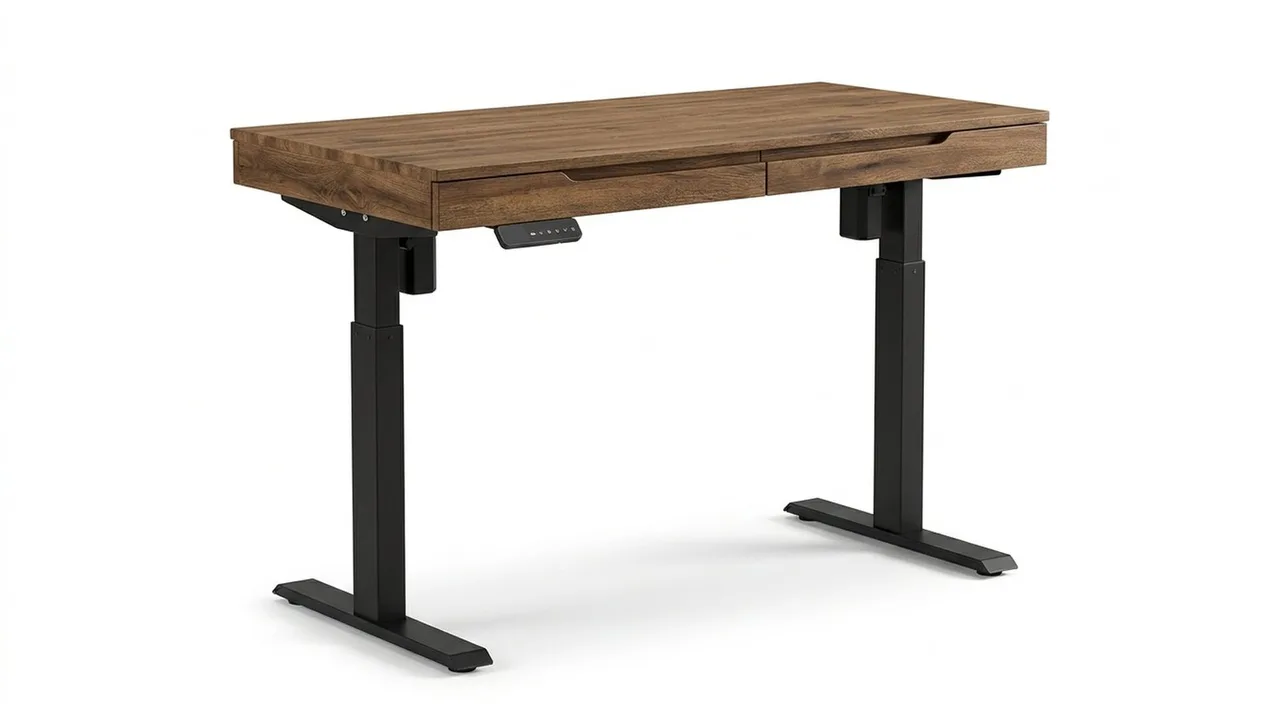
The HUANUO 48 by 24-inch electric standing desk has two drawers and C clamp compatibility. It is a compact desk with storage built-in.
Who it suits
People with small spaces who want drawers for small items. It also suits someone adding a monitor arm.
Who should skip it
For dual monitors, the Veken 55-inch has more room. For a lighter desk, the Claiks is simpler. See how to choose a standing desk.
What to check
The load limit, drawer weight, height range, motor type and warranty. Also check that the desktop is thick enough for a clamp.
Setting it up
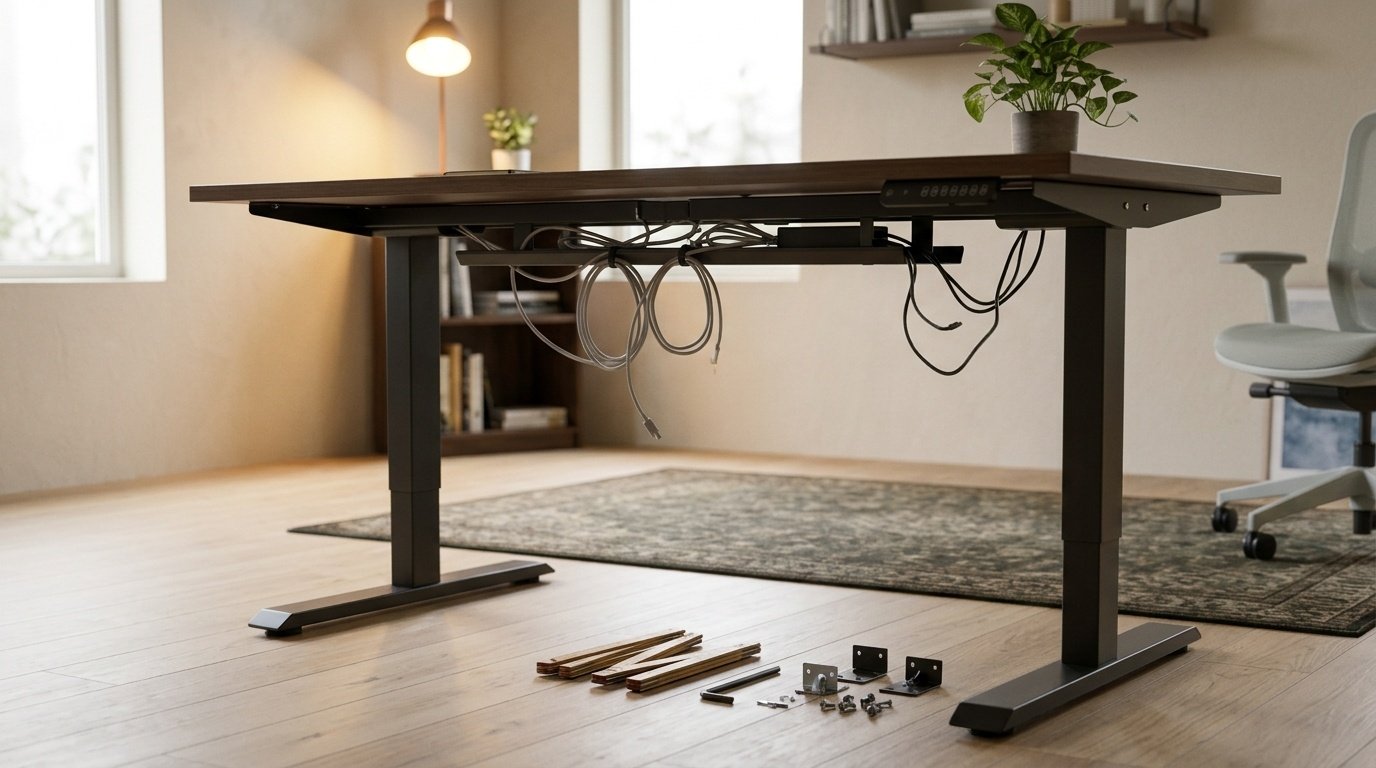
Build it on the floor. Tighten the frame before raising. Put heavy items near the legs. See our setup guide.
How it compares
Against the FLEXISPOT, it adds drawers. Our FLEXISPOT versus HUANUO comparison goes through it.
HUANUO 48″ x 24″ Electric Standing Desk
A 48 by 24-inch standing desk with two drawers.
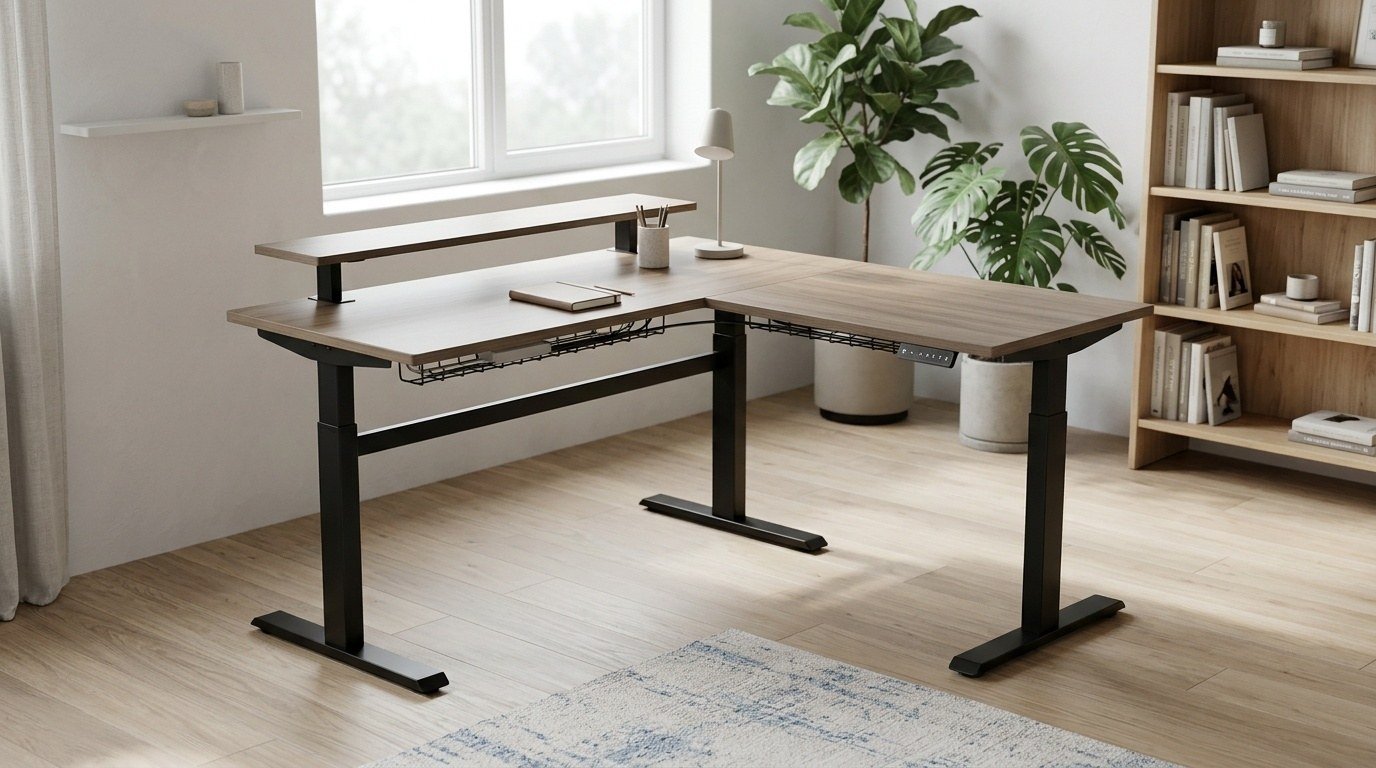
Veken 55-inch Large Electric Standing Desk
A 55-inch electric standing desk.
Claiks Electric Height Adjustable Standing Desk
A 48 by 24-inch electric standing desk.
Be careful with
Clamping a heavy arm to a thin desktop. Check the top's thickness.
What I could and could not verify
The Amazon listing title reads: 48 by 24-inch electric standing desk with two drawers, C-clamp mount compatible, height adjustable, four preset heights and two hooks, in black. A Staples page for a Huanuo 48-inch electric desk lists the desktop width and no other specification I could confirm: no height range, capacity or warranty. I have not tested the desk.
What the features mean
Four presets mean you can save more than a sitting and standing height, for instance a sit, a stand and two in between. Two drawers add storage on the desk itself, which helps on a small desk but can take legroom, so check that your knees clear them. The C-clamp compatibility suggests a monitor arm can be clamped to the edge, though you should check the top's thickness and the weight limit.
What to ask
Ask for the height range, so you can compare it with your elbow height. OSHA's computer workstation checklist asks that your elbows be at about a right angle and your wrists straight, and an SBCCD guide places your elbows at about the level of the spacebar. Ask for the load capacity, the warranty on frame and electronics and whether the desk has anti-collision.
For reference
FlexiSpot's page for its EN1 lists 28 to 47.6 inches, 154 pounds, three presets, noise under 50 dB and a five year frame warranty. That is the level of detail a clear listing offers.
Who it suits
A small home office or a second workstation, if the missing figures check out. Not for heavy equipment until the capacity is confirmed.
What to do on arrival
Test the full range, listen for noise and check wobble at standing height. Use the return window if anything falls short.
Setup and the first week
Assemble the desk with two people, then raise and lower it through the full range before you load it. Save your sitting and standing heights as presets. The listing mentions four presets, so you can add a mid height for perching. Route cables with slack so nothing pulls as the desk moves.
Using the drawers and hooks
The two drawers add storage on the desk, but they take legroom and add weight. Keep heavy items low. The hooks suit headphones or a bag, but avoid hanging heavy loads that could tilt the desk.
Monitor arm
The listing says C-clamp compatible. Check the top's thickness and the clamp range of your arm, and center the weight over the frame.
Ergonomics
Set the standing height so your elbows are at about a right angle, and the monitor so the top is at eye level or slightly below, as OSHA's checklist and the SBCCD guide describe. Move between positions through the day. The BJSM expert statement suggests building up toward a few hours of standing or light activity across the workday.
Safety
Do not exceed the capacity, and keep the area under the desk clear when it moves. Test collision behavior gently.
Who it suits and who should skip it
It suits someone with a small home office who wants storage on the desk and four presets. Skip it if you need a documented capacity for heavy equipment, if you want a deeper top, or if you need a clear warranty statement before you buy. A 24-inch deep desk is on the shallow side for a large monitor, so measure your viewing distance first.
Deal-breakers to check on arrival
Stop and return the desk if the legs wobble at full height, the motor sounds strained, the drawers rub, the controller is unreliable or a part is missing. Keep the packaging until you have used the desk through a full week.
Questions and answers
Is it good for two monitors? A 48-inch top can carry two small monitors, but check the capacity first. Can I use a monitor arm? The listing says C-clamp compatible, so check clamp range. Is it quiet? I could not confirm a noise level. Is it easy to build? Allow an hour or two and a second person.
Verdict
A compact desk with storage. If you do not need drawers, a simpler desk may suit.
Questions people ask
Does it have drawers?
Yes, two.
What is C clamp compatibility?
It means a monitor arm that clamps to the desk edge can fit.
Is it big enough for two monitors?
At 48 inches, it is tight.
Does it have presets?
Check the listing.
Sources and scope
Reference material is linked for the scope described below. This is not a claim that every statement or current retailer offer has been independently verified.
- FlexiSpot EN1 standing desk (FlexiSpot): manufacturer specifications
- Huanuo 48 inch electric standing desk (Staples listing): retailer listing; width only
- Computer Workstations eTool checklist (OSHA, U.S. Department of Labor, 2015): government workplace guidance (copy hosted by University of Colorado)
- Setting up your workstation to fit you (San Bernardino Community College District): workstation setup guidance
- Occupational sitting and health risk: expert statement (British Journal of Sports Medicine): expert statement on sitting and standing at work
No hands-on testing or systematic reliability study was performed. Confirm current instructions, seller, model and box contents before ordering.